
Appearance
Purchases overview
Purchases is where you record what you buy in to sell. You keep a list of suppliers, raise a purchase order (PO) for the goods you want, and when the delivery arrives you receive it — which adds the items to your stock.
🔷 For managers & admins
Purchasing is an add-on module. If you don't see the Suppliers or Purchase Orders menus, the purchasing module isn't enabled on your plan — see Modules & the App marketplace. You also need the relevant
purchases.* permissions. 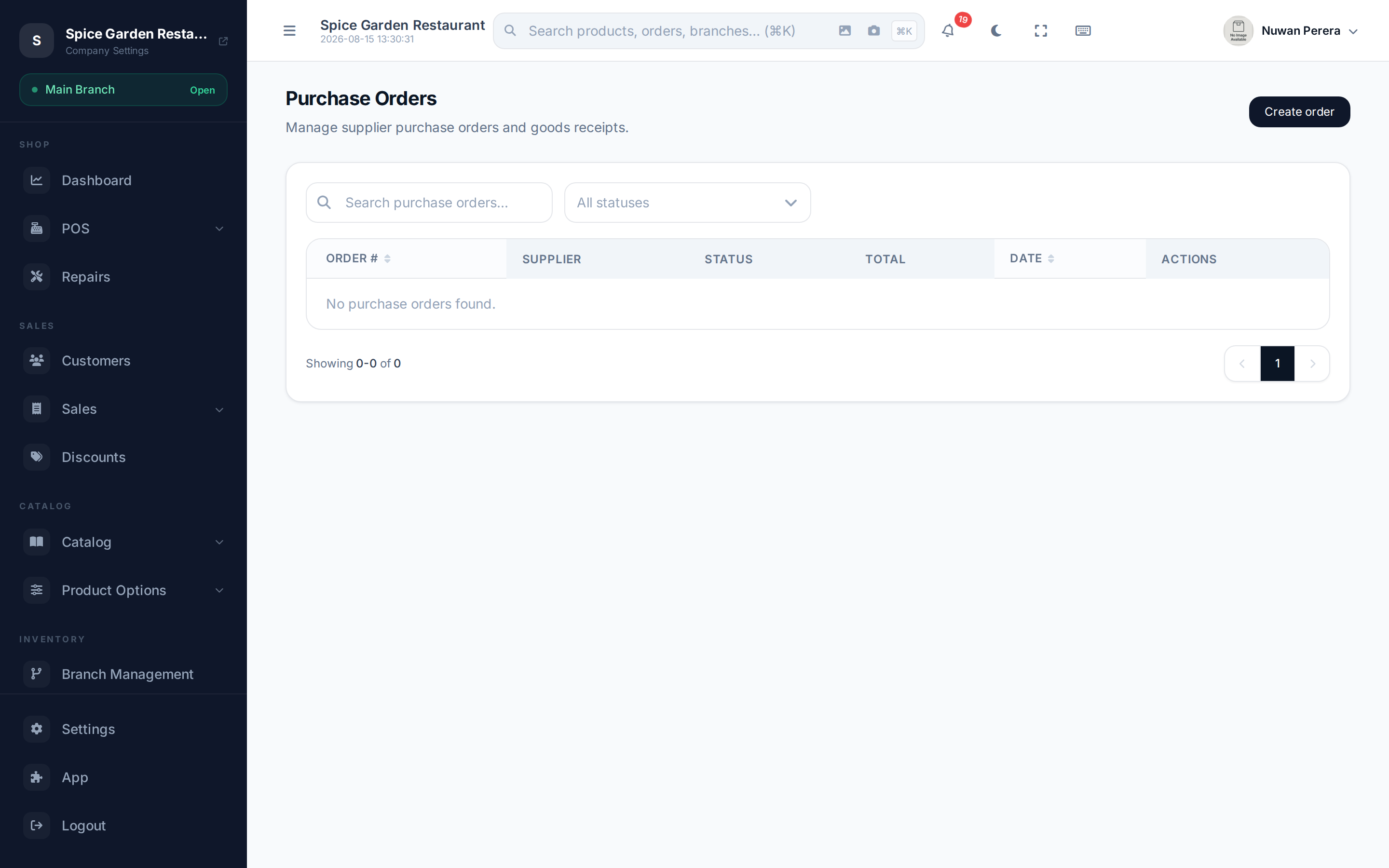
Screenshot pendingRoute /purchase-orders with a few POs in different statuses
The buying flow
- Add your suppliers — the businesses you buy from.
- Create a purchase order listing the items, quantities and prices you're ordering.
- Send it to the supplier (mark it Ordered).
- Receive the stock when it arrives — this raises your inventory and updates each product's cost.
What each step does
| Step | Guide | What it changes |
|---|---|---|
| Keep a supplier list | Suppliers | Nothing in stock or books — just contacts |
| Raise a purchase order | Purchase orders | Records what you intend to buy |
| Receive the goods | Receiving stock | Adds stock and updates cost prices |
Suppliers are contacts
A supplier is just a contact flagged as someone you buy from — the same kind of record as a customer. That's why they live alongside your other contacts behind the scenes.