
Appearance
Point of Sale overview
The Point of Sale (POS) is the register screen where you sell to customers. It's built for speed and for touch screens, and it keeps working even if your internet drops mid-sale.
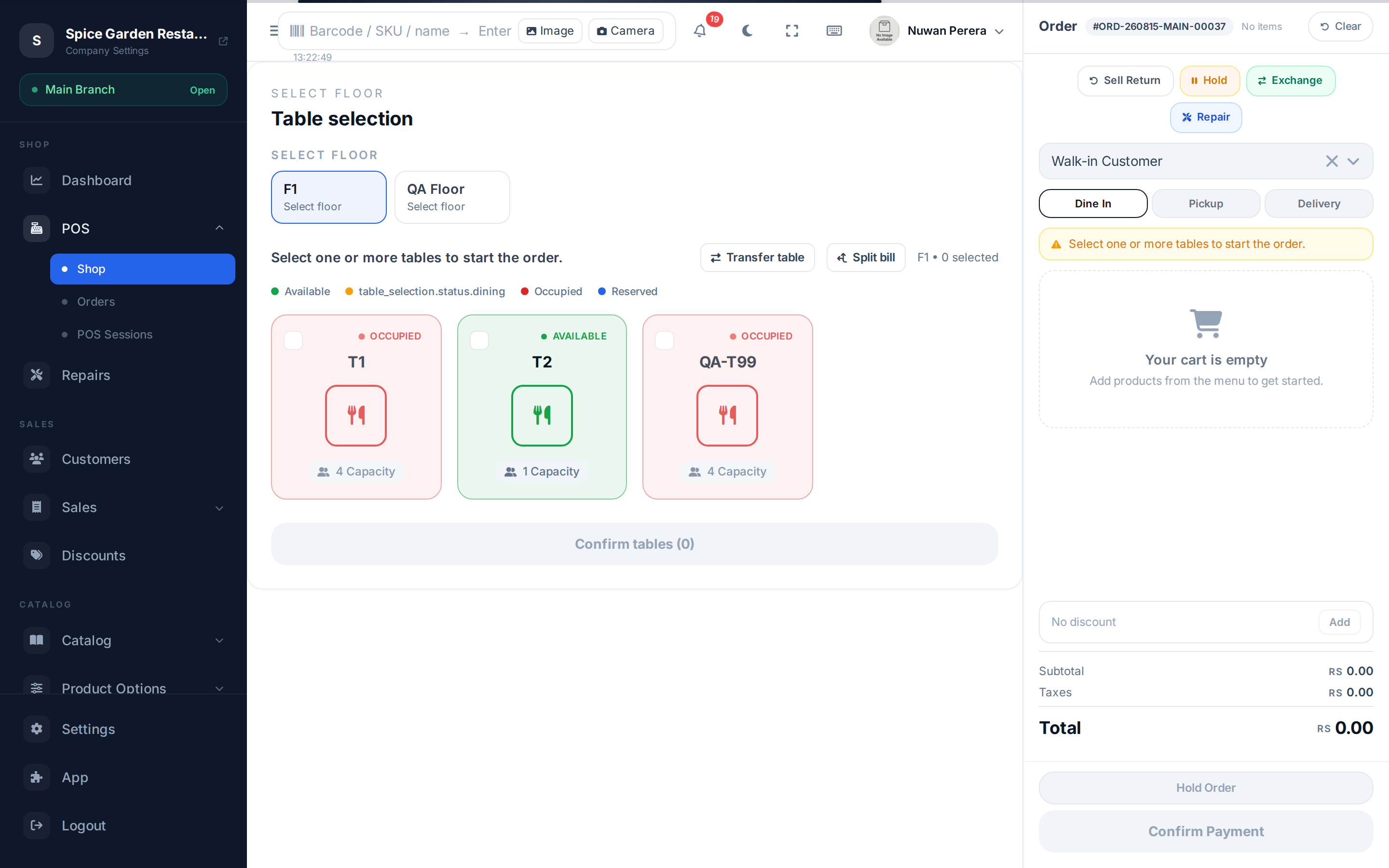
Screenshot pendingRoute / (shop) with an open shift, restaurant demo
A day at the register
- Open your shift and count your starting cash.
- Ring up sales all day — add items, take payment, print receipts.
- Handle refunds and exchanges as they come up.
- Close your shift and reconcile the cash drawer.
What you can do from the register
| Task | Guide |
|---|---|
| Add items, take payment, print a receipt | Making a sale |
| Pick a size/colour, weigh an item, add extras | Variants, weight & modifiers |
| Sell a combo/meal deal | Selling bundles |
| Apply a discount | Discounts at the register |
| Refund or return an item | Refunds & returns |
| Swap an item / take a trade-in | Exchanges & trade-in |
| Seat guests and split bills | Restaurant tables |
| Re-open a recent order | Recent orders |
| Keep selling with no internet | Working offline |
| Step away safely | Locking the register |
🔷 For managers & admins
Before staff can sell, an admin needs to have set up: at least one branch with a linked warehouse, a POS configuration for that branch (receipt layout, payment methods, tax behaviour), and products with prices. Cashiers also need the right role and an assigned branch.