
Appearance
Sales & Customers overview
The Point of Sale is where you sell face to face at the counter. The Sales section is the back-office side of the same story: the customers you sell to, and the documents that record and correct those sales — invoices, credit notes, exchanges and more.
Use the POS for a fast walk-in sale. Come to Sales when you need to raise a proper invoice for a customer, give money back with a credit note, or manage a customer account and its balance.
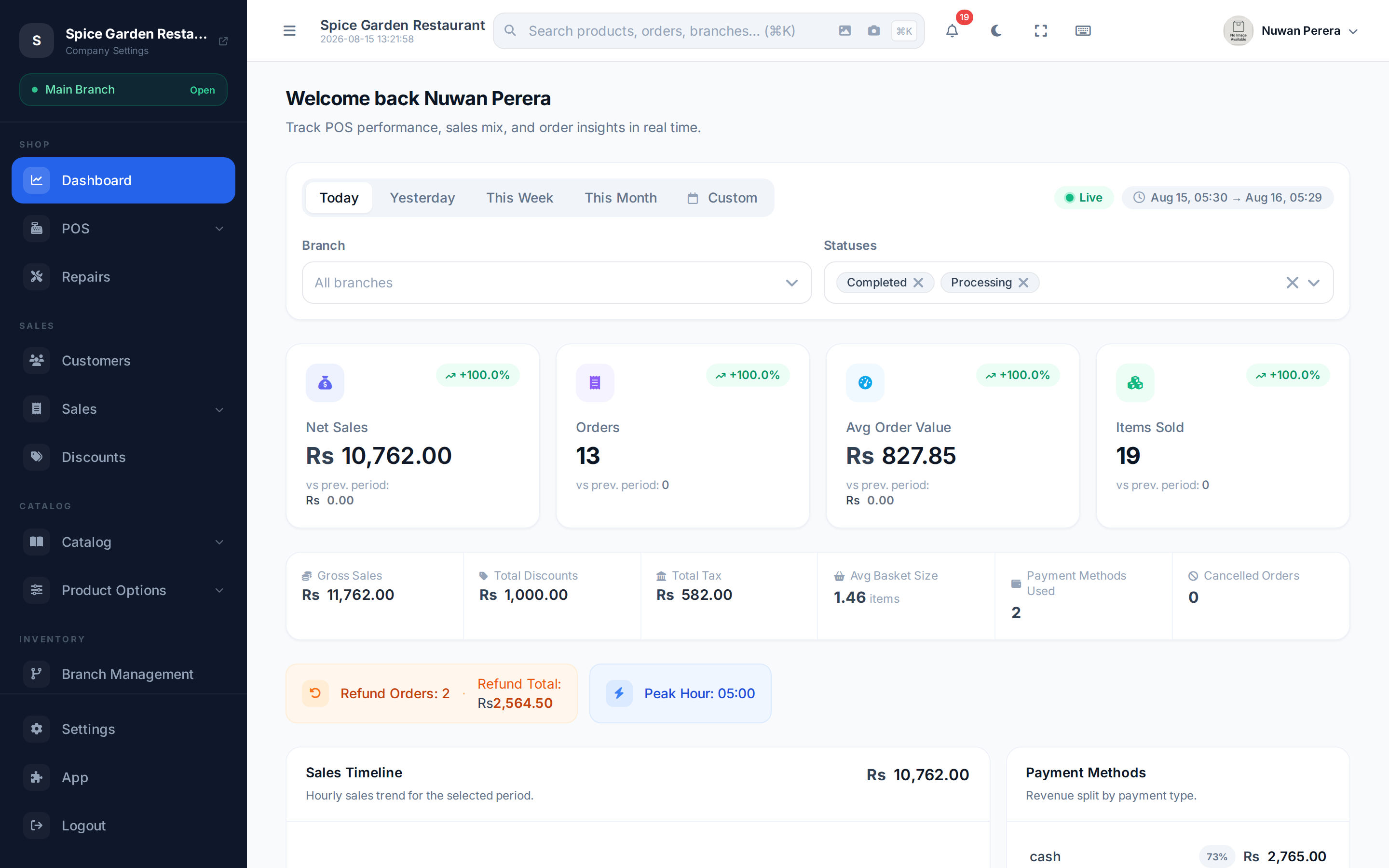
Screenshot pendingRoute /dashboard, any demo tenant
POS sale or an invoice?
Both create a real sales record. Pick by how you work:
| Use the… | When you… |
|---|---|
| POS register | Sell over the counter, take payment now, print a receipt. Fast, touch-first, works offline. |
| Invoice | Bill a named customer, itemise carefully, allow payment later (on account), or e-mail a tax invoice. |
A POS sale can still be tied to a customer for loyalty, credit and history — so the two live side by side.
What's in this section
| Guide | What it's for |
|---|---|
| Customers | Customer accounts, contact details, credit balance and history |
| Invoices | Raise, edit and get paid on customer invoices |
| Credit notes | Give money or credit back for a return |
| Debit notes | Charge a customer more after an invoice was issued |
| Exchanges | Record a swap — items out and a trade-in back |
| Advance payments | Take a deposit up front, adjust it against the final bill |
| Discounts & coupons | Set up the discounts and coupon codes staff apply at checkout |