
Appearance
Receiving stock
When a delivery arrives, receive the purchase order that ordered it. Receiving is what turns a paper order into real stock: every item on the PO is added to your inventory and each product's cost price is updated.
🟢 For everyone
Check the delivery against the purchase order first. Once you mark it received, the stock goes up — so only receive what actually arrived. A purchase order can be received only once, and a cancelled order can't be received.
🔷 For managers & admins
Receiving (and cancelling) needs the
purchases.orders.update permission and the purchasing module. These two actions are also guarded by the authority matrix: a **manager** can receive or cancel only purchase orders **in a branch they're assigned to**, and only when the order total is **within their approval limit** — a larger order is refused and must go to an admin. Admins have no such limit. Every receive and cancel is written to the central audit trail. 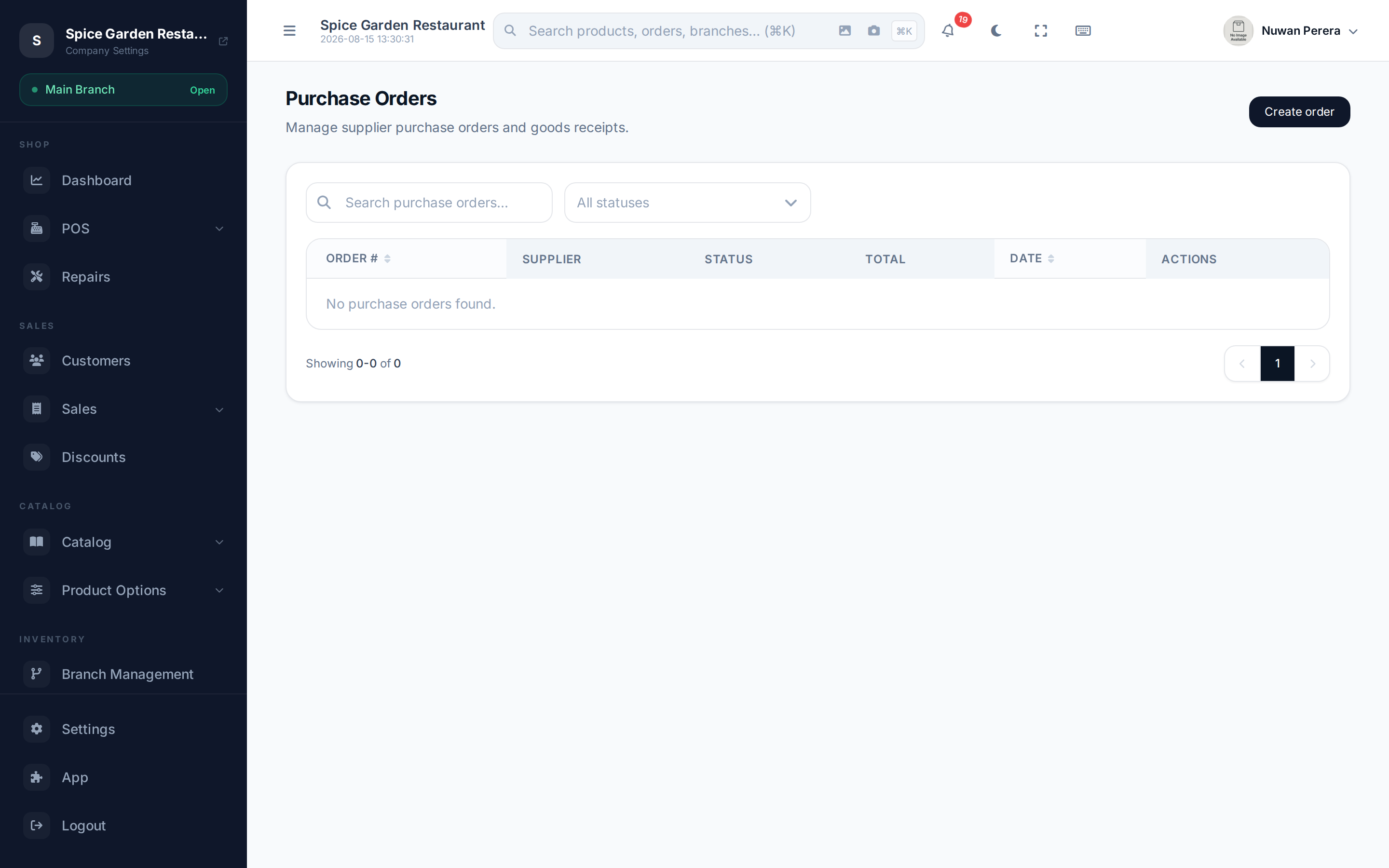
Screenshot pendingRoute /purchase-orders showing an Ordered PO
Receive a purchase order
- Open the purchase order (from the Purchase Orders list).
- Check the line items match what was delivered.
- Select Mark as Received.
- Confirm — you'll be reminded that stock will be updated.
The order moves to Received, and every product on it is added to the stock the order's branch sells from — the warehouse set in the branch's POS configuration, or otherwise the branch's linked warehouse. That way received goods are immediately available to sell at that branch. A purchase order with no branch can't be received — edit it and choose the branch first.
Full receive
Marking as received receives the whole order at once — there's no per-line "received quantity" box. If a delivery is short, edit the PO to match what arrived before you receive it.
What changes when you receive
Inventory goes up. For each line, the quantity is added to the stock the PO's branch sells from, converted into the product's base unit. So a line for 2 boxes of a product sold in singles, where a box is 12, adds 24 to stock.
Cost prices update. Receiving records what you paid, so the product's moving-average cost and its last purchase cost are recalculated. That keeps your inventory valuation and profit figures accurate.
A stock movement is logged. Each received line writes a stock movement of type purchase, visible in the stock movement report.
Cancelling instead
If an order falls through, open it and select Cancel Order rather than receiving it. A received PO can't be cancelled or edited — receiving is meant to be final.