
Appearance
Inventory valuation
The valuation report tells you what your stock is worth — the money tied up in the goods sitting on your shelves right now, valued at cost. It's the figure your accountant needs for the balance sheet and the number that tells you how much cash is locked up in inventory.
🔷 For managers & admins
Needs the
inventory.reports.valuation.read permission. Owners, accountants and managers usually have it. 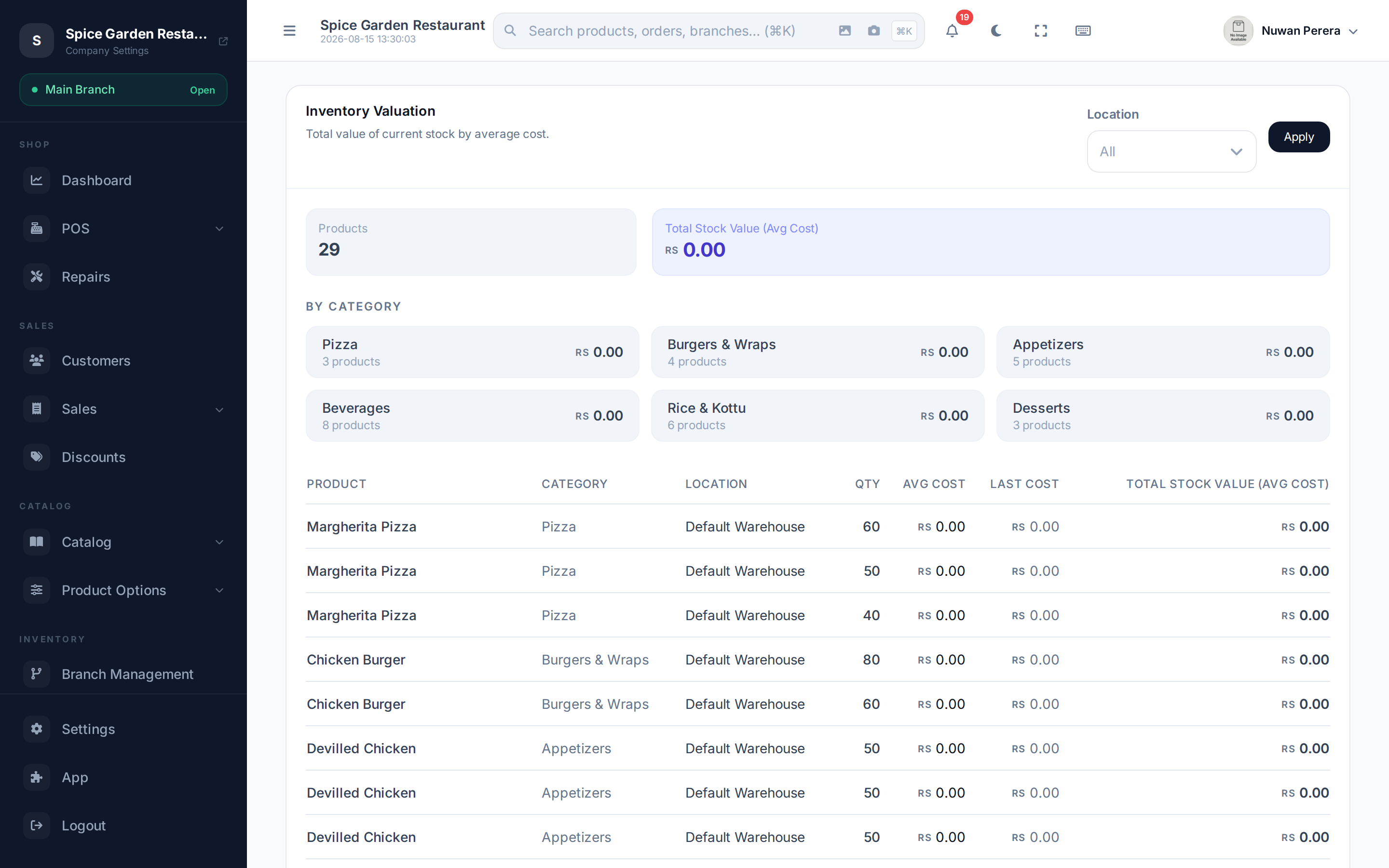
Screenshot pendingRoute /inventory/reports/valuation
Reading it
Pick a Location (or leave as All) and select Apply. There's no date range — valuation is always "as of now".
Two summary cards show the number of Products and the Total Stock Value (Avg Cost). Below, a By Category breakdown gives the product count and value for each category, then a table lists every product:
| Column | Meaning |
|---|---|
| Product | Name and product code |
| Category | Which category it's in |
| Location | The warehouse/branch this line is for |
| Qty | Current stock on hand |
| Avg Cost | Average cost per unit across everything you've bought |
| Last Cost | The most recent purchase cost per unit |
| Total (Avg) | Qty × average cost — the line's value |
Average cost vs last cost
ZeylonPOS values stock at average cost: as you buy the same item at different prices, its cost is blended into a running average. That average is what drives cost of goods sold on every sale, so your profit figures line up with your valuation. Last cost is shown alongside for reference — useful for spotting price rises — but it isn't what the total is based on.
Landed costs change valuation
Freight, duty and other charges you allocate with landed costs raise the cost of the affected stock, so they flow straight into this report.