
Appearance
Balance sheet
The balance sheet is a snapshot of your business's financial position on one date: what you own (assets), what you owe (liabilities), and what's left over for the owners (equity). It's called a balance sheet because the two sides always balance — assets equal liabilities plus equity.
🔷 For managers & admins
Reading accounting reports needs
accounts.reports.read, the accounting module, and the report feature on your plan. 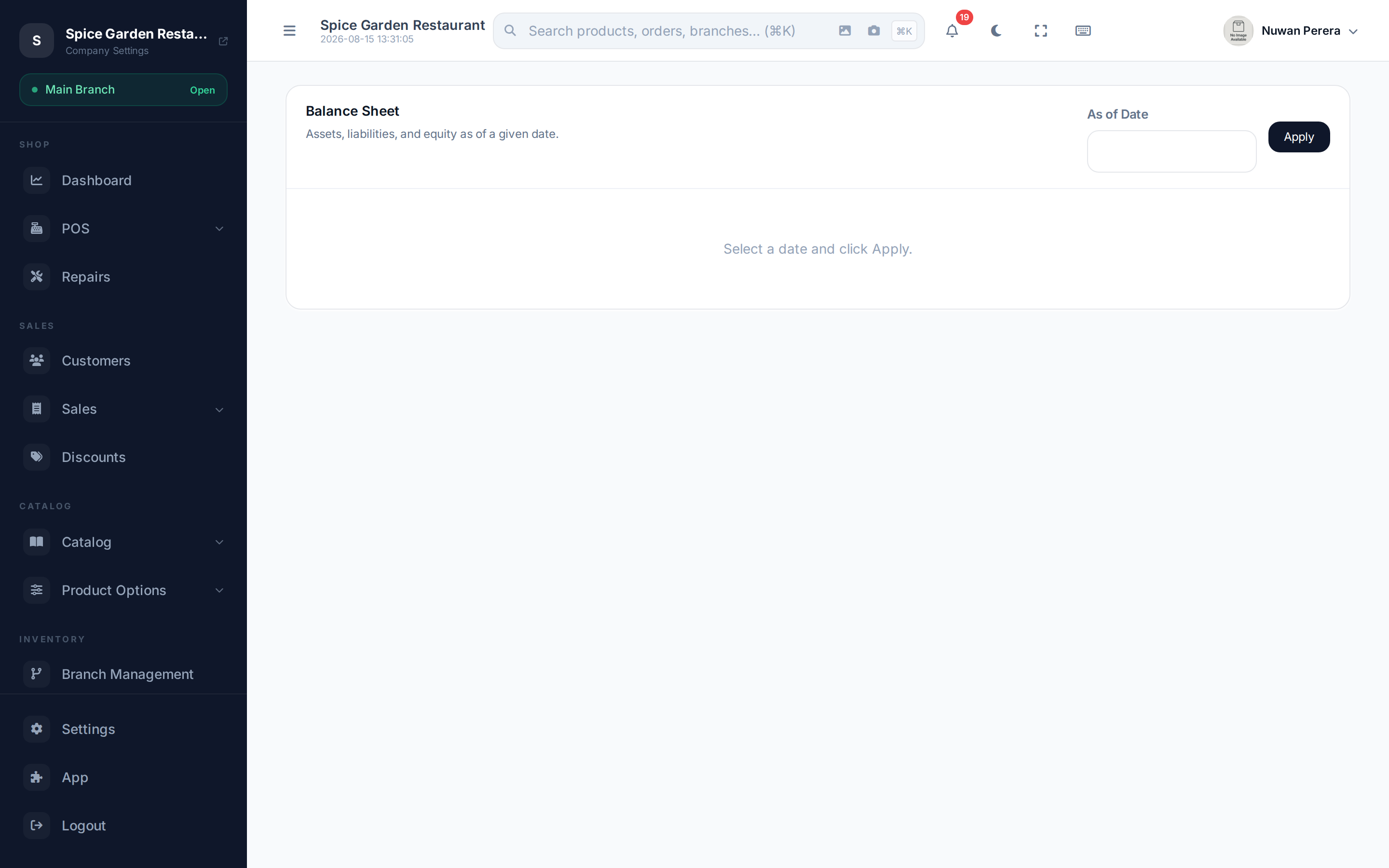
Screenshot pendingRoute /accounting/reports/balance-sheet as of a month-end
Run the report
- Open Balance Sheet from the accounting reports.
- Set the As of Date — the balance sheet is a picture of one moment, not a range.
- The report shows Total Assets, Total Liabilities and Total Equity.
What it shows
| Section | Meaning | Examples |
|---|---|---|
| Assets | What the business owns | Cash, bank, inventory, money owed to you |
| Liabilities | What the business owes | Suppliers, tax, loans |
| Equity | The owners' stake | Capital put in, profits kept in the business |
The fundamental check: Assets = Liabilities + Equity. If your books are complete and balanced, the two sides match on any date you pick.
Ordering
Accounts are grouped by ZeylonPOS's class order — Assets, then Liabilities, then Equity on this report. See Chart of accounts for the full class sequence.