
Appearance
Fiscal periods
Fiscal periods (accounting periods) are the date windows your books are divided into — usually months or a financial year. They control when posting is allowed: once you've finished with a period, you close it so no one can accidentally change figures you've already reported.
🔷 For managers & admins
Viewing periods needs
accounts.periods.read; creating and deleting need accounts.periods.create / .delete and the accounting module at full level. Close, Reopen and Lock each have their own permission (Close / Reopen / Lock Accounting Period). By default accountants can close and reopen periods; locking, which is permanent, is for admins and managers. Each of these actions is recorded in the audit trail. 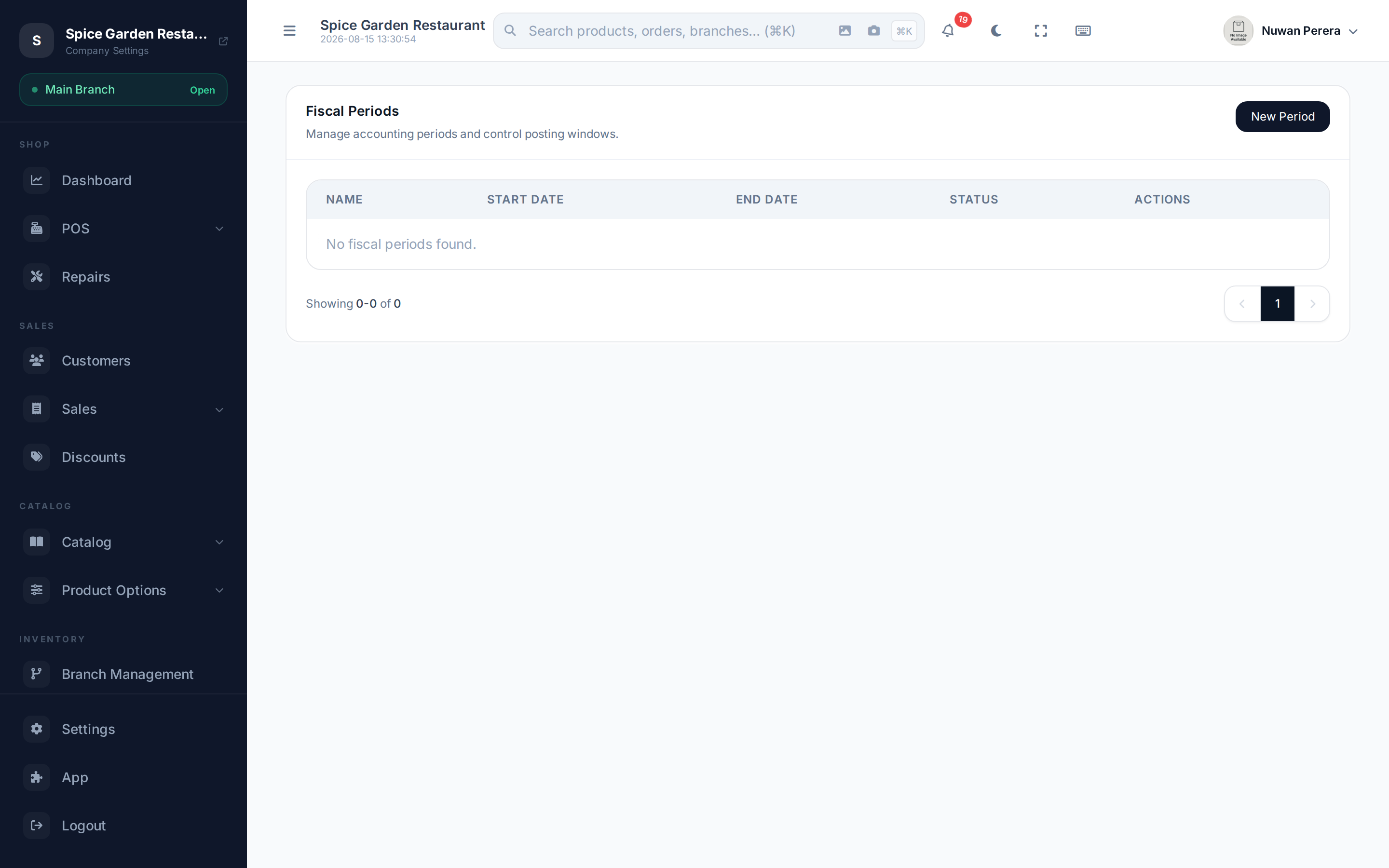
Screenshot pendingRoute /accounting/periods with an open and a closed period
Create a period
- On the Fiscal Periods screen select New Period.
- Enter a Period Name (e.g. "August 2026").
- Set the Start Date and End Date.
- Select Save.
The period lifecycle
| Status | Meaning | Available actions |
|---|---|---|
| Open | Posting is allowed | Close, Delete |
| Closed | Finished, but can be undone | Reopen, Lock |
| Locked | Permanently sealed | View only |
- Close a period once you've finished posting to it — this stops further changes.
- If you need to post one more entry, Reopen it, make the change, then close again.
- When you're certain a period is final (after tax filing, say), Lock it. A locked period can't be reopened.
Locking is permanent
Reopen is only available on a closed period, not a locked one. Lock a period only when you're sure nothing more will ever change in it.
Sales in a closed period
Sales, returns and other automatic entries dated in a closed or locked period are posted on the next open date rather than inside the closed period, so its totals never change.
Delete only empty, open periods
You can Delete a period while it's still Open — handy for tidying up one you created by mistake. Closed and locked periods can't be deleted.
On the mobile app
More → Accounting → Fiscal periods lists every period with its state and what that state means for posting. Each card offers only the moves that period can actually make: an open period can be closed, locked, edited or deleted; a closed one reopened or locked; a locked one nothing at all.
Locking asks for a firmer confirmation than the rest, because there is no way back from it.