
Appearance
Receivables & payables aging
Aging reports break down outstanding balances by how long they've been unpaid. There are two:
- A/R aging (receivables) — money customers owe you.
- A/P aging (payables) — money you owe suppliers.
Both group each balance into time buckets so you can see at a glance what's current and what's badly overdue.
🔷 For managers & admins
Reading these needs
accounts.reports.read, the accounting module, and the receivables/payables report feature on your plan. 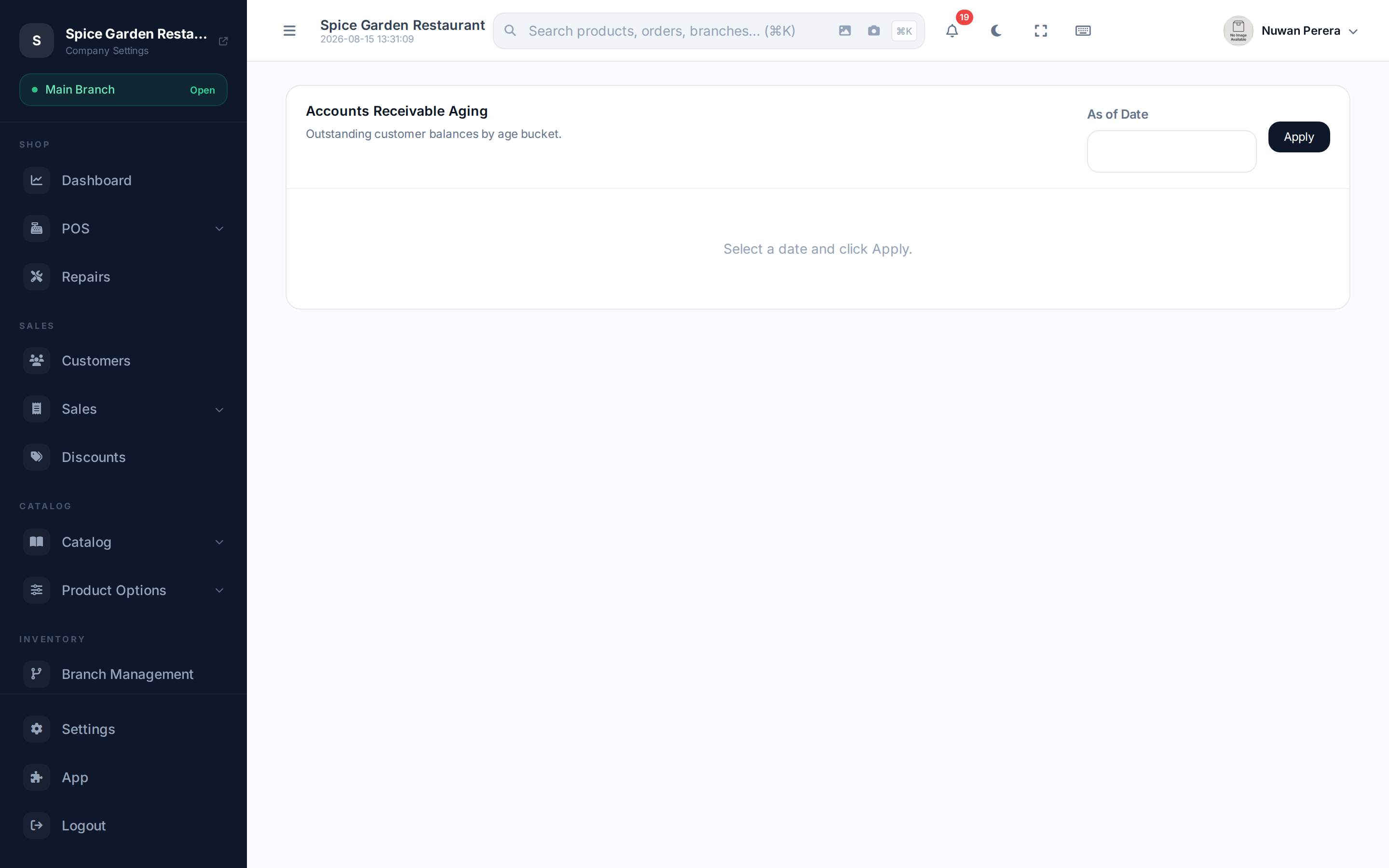
Screenshot pendingRoute /accounting/reports/ar-aging as of today with a few customers
Run the report
- Open A/R aging (for customers) or A/P aging (for suppliers).
- Set the As of Date — balances are aged relative to this date.
- Read each row: the contact and how their balance splits across the buckets.
The aging buckets
| Column | Meaning |
|---|---|
| Contact (A/R) / Vendor (A/P) | Who owes / is owed |
| Current | Not yet overdue |
| 1–30 | 1 to 30 days overdue |
| 31–60 | 31 to 60 days overdue |
| 61–90 | 61 to 90 days overdue |
| 90+ | More than 90 days overdue |
| Total | The contact's full outstanding balance |
A totals row sums every bucket across all contacts.
Chase the right end first
The 90+ column is where cash is most at risk. Work your collections (A/R) or your own payments (A/P) from the oldest buckets inward.
Next steps
- Contact ledger — drill into one contact's transactions
- Profit & Loss
- Customers