
Appearance
Profit & Loss
The Profit & Loss report (P&L, or income statement) answers the big question: did you make money over a chosen period? It totals your income and subtracts your expenses to show the result.
🔷 For managers & admins
Reading accounting reports needs
accounts.reports.read, the accounting module, and the Profit & Loss report feature on your plan. 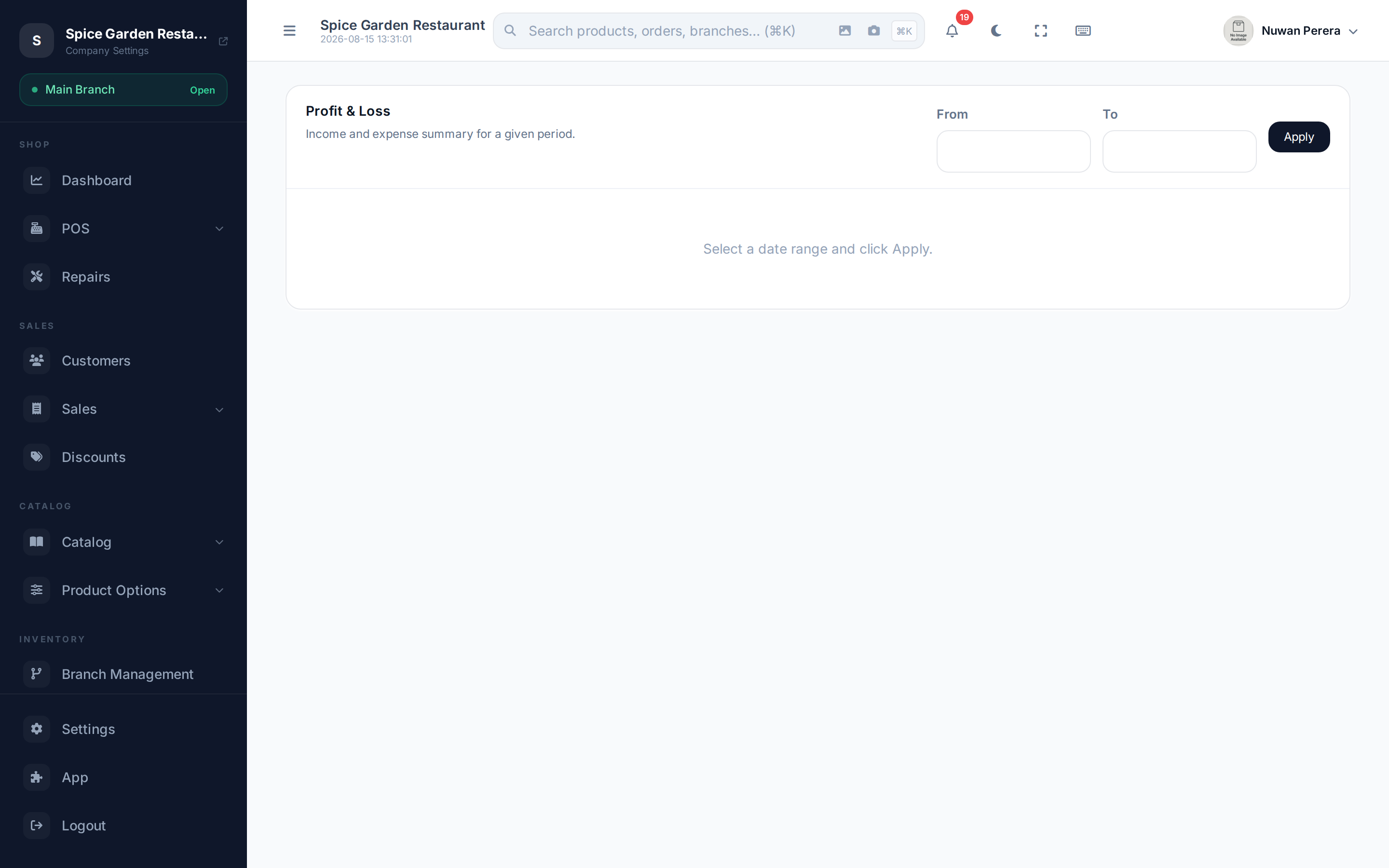
Screenshot pendingRoute /accounting/reports/profit-loss with a month's data
Run the report
- Open Profit & Loss from the accounting reports.
- Set the From and To dates for the period you want.
- The report loads: Total Revenue, Total Expenses, and the profit between them.
What it shows
| Section | Meaning |
|---|---|
| Revenue / Income | Sales and other income earned in the period |
| Expenses | Cost of goods sold and running costs in the period |
| Profit | Revenue minus expenses — your bottom line |
Because sales post to the ledger automatically, your revenue and cost of goods sold appear here without any manual work. Running costs (rent, wages, fees) show up once you've recorded them via manual journals.
Choose the same window as your period
For a clean monthly figure, set From/To to match a fiscal period. Once that period is closed, the numbers won't shift underneath you.