
Appearance
Credit notes
A credit note reverses all or part of a sale: it records that you owe the customer money back (or have reduced what they owe you) for returned goods, an overcharge or a goodwill adjustment. It's the correct, auditable way to undo a sale — you never delete the original.
🟢 For everyone
Creating credit notes needs the credit note permissions (
sales.credit-notes.create). For a quick over-the-counter return, use a POS refund instead. 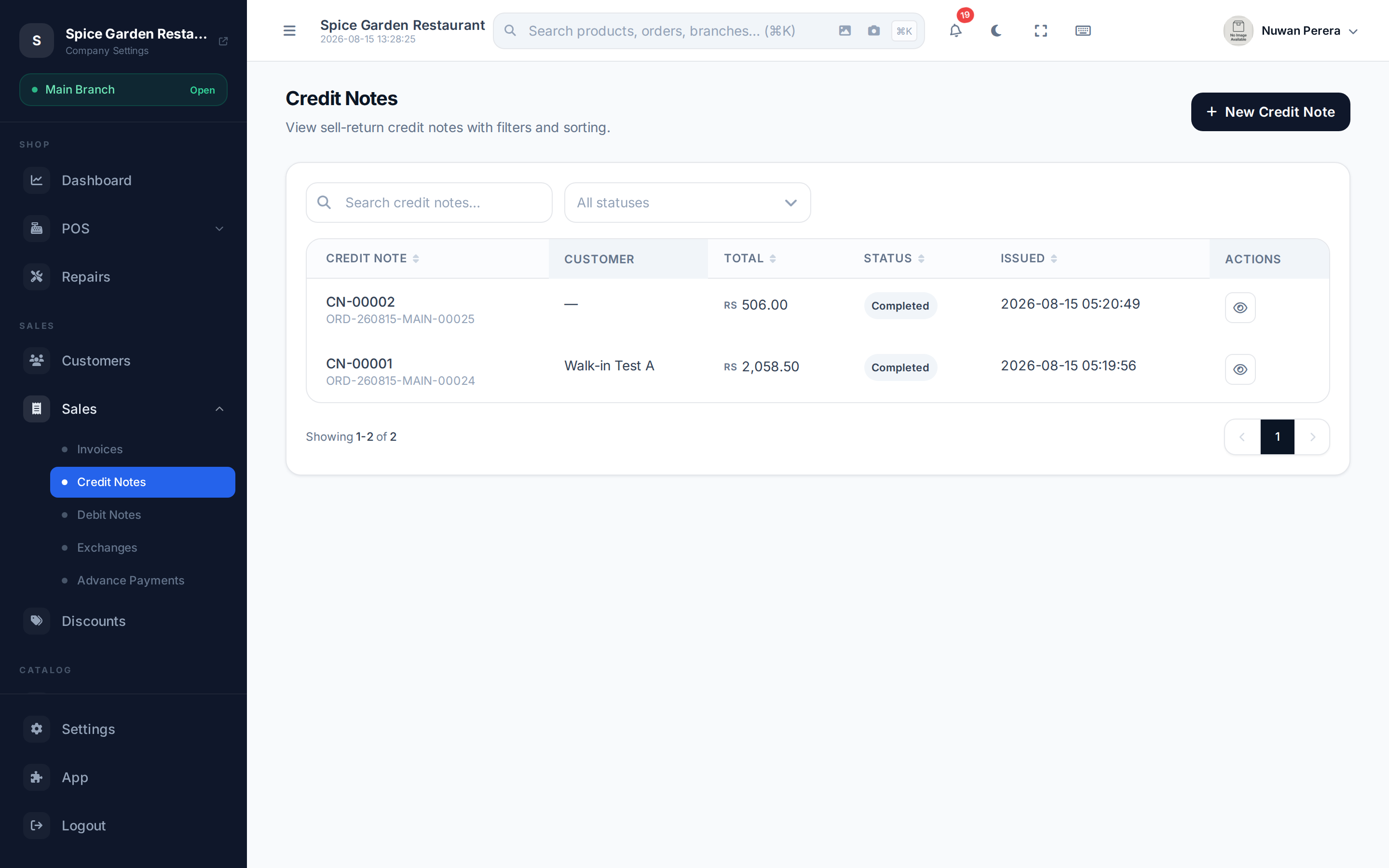
Screenshot pendingRoute /credit-notes, retail SA demo
Issuing a credit note
- Go to Credit Notes and select New Credit Note.
- Set the Date, and pick the Customer (required).
- Optionally choose the Source Invoice — pick one of the customer's paid invoices. Its returnable lines load in automatically.
- Select the items being returned. With a source invoice you tick the lines and set the return quantity (capped at what was originally sold). Without one, add lines manually — product, quantity, price, discount and tax.
- Enter the Reason for credit (required — it's printed on the credit note and, for ZATCA e-invoicing, sent with it), plus any internal notes.
- Leave Return items to stock on when the goods come back. Turn it off for a price-only credit (for example, a price correction where the customer keeps the item).
- Optionally turn on Mark as Paid to record the refund at the same time (amount, payment method and reference) — see below.
- Select Create Credit Note.
Return from the original invoice
Selecting the source invoice keeps everything tied together: only returnable products appear, quantities are capped at what was sold, and the credit note references the original document.
Returned items and stock
When a credit note against a sale or invoice is sent, its items go back into stock at the warehouse they originally left from. Nothing is returned if:
- the credit note is a price-only credit (Return items to stock is off);
- it has no source document, or the source never moved stock (for example, an invoice sent before invoices moved stock).
Cancelling a sent credit note takes the returned items out of stock again.
🔷 For managers & admins
The credit note journal reverses the returned items' cost of goods sold (debit inventory, credit COGS).
Refunding against a credit note
A credit note records what you owe the customer; paying it is how the money actually goes back. You can do this two ways:
- At creation — switch on Mark as Paid and enter the amount, method and reference. The amount defaults to the credit note total.
- Later — open the credit note and use Record Payment to refund it (in full or in parts) whenever the money is returned.
Cash, Card, Bank Transfer, Cheque, Online and Other are all supported.
Voiding and credit notes
Voiding a sale or invoice issues a credit note for the whole document, and its items go back into stock. A few rules keep this safe:
- A document that already has returns or credit notes can't be voided. Issue a credit note (or a return) for the remaining items instead.
- Only one void at a time can run for a document — if someone else is already voiding it, wait and check the result rather than trying again.
Cancelling a credit note
You can cancel a credit note that was issued in error (unless it's locked by ZATCA).
🔷 For managers & admins
Because it reverses money, cancelling is guarded by the authority matrix: a **manager** can cancel only credit notes **in a branch they're assigned to**, and only when the total is **within their approval limit** — larger ones go to an admin. Every cancel is written to the central audit trail (needs
sales.credit-notes.cancel). On the mobile app
More → Credit notes lists them, and you can raise or edit one there. The same returnable-quantity checks apply as on the web.