
Appearance
Exchanges
An exchange records a swap: the customer takes items from you (the outgoing or sold items) and hands something back (a trade-in, such as an old phone). The customer pays the difference in value. This screen is where you review and manage those exchange records.
🟢 For everyone
Exchanges are created at the register during a sale. This Sales screen lists the exchange records for reviewing, printing and cancelling. Viewing needs
sales.exchanges.read. 🔷 For managers & admins
Exchanges are a plug-in module. If the screen isn't there, the Exchange module isn't enabled — turn it on from the App marketplace.
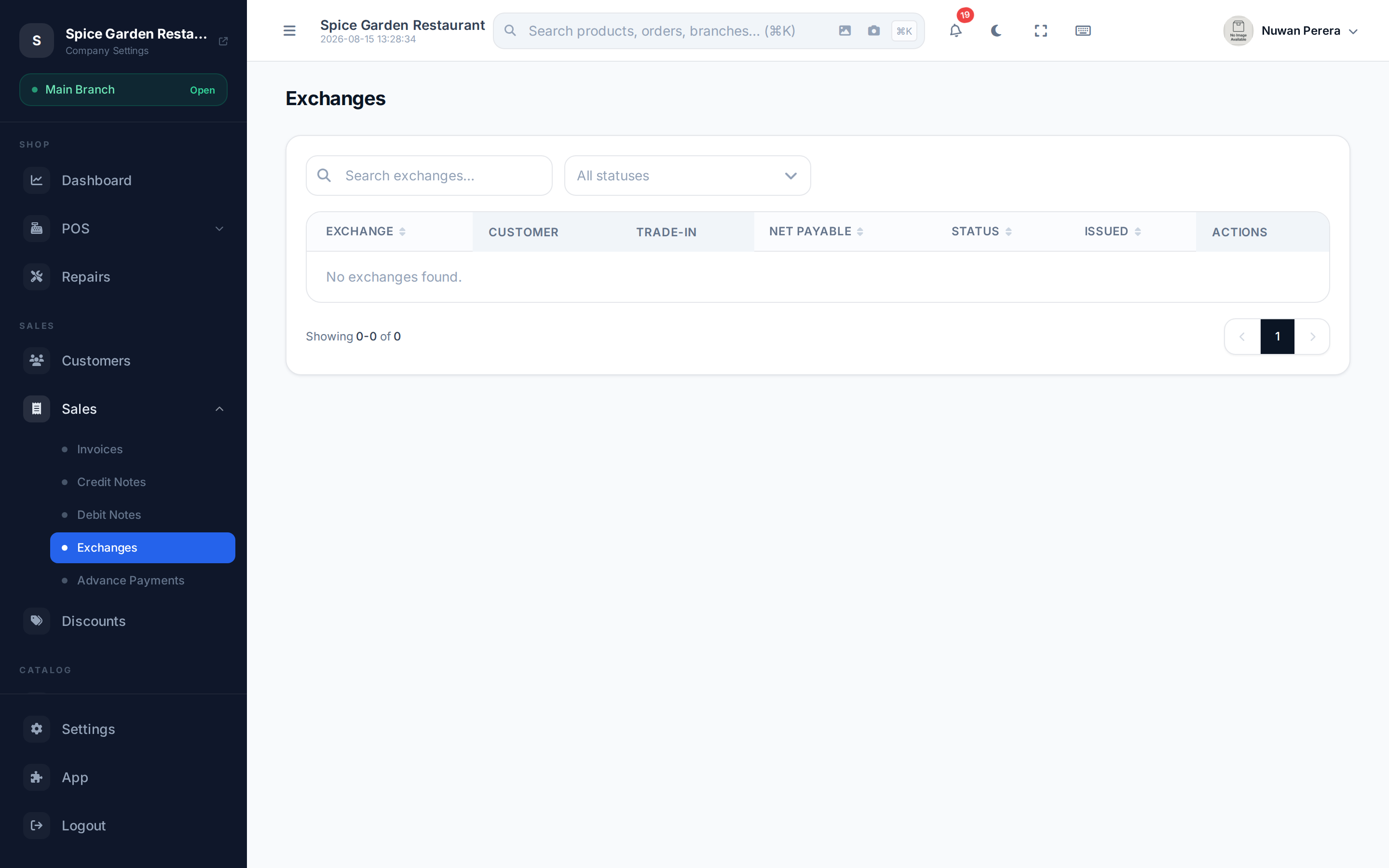
Screenshot pendingRoute /exchanges, mobile shop demo
What an exchange record shows
Open any exchange to see it broken into the two sides of the swap:
- Outgoing items — what the customer bought: item, quantity, price and line total.
- Trade-in items — what they gave back, each with its device model, IMEI (if a phone), condition and the agreed value you credited.
- Financial summary — outgoing subtotal and tax, minus the trade-in credit, giving the net payable. Any amount paid and balance due show here too.
An 80mm receipt can be reprinted from the record.
Net settlement
The exchange always settles in your favour or breaks even: the customer pays the positive difference between what they bought and the trade-in credit. The trade-in credit can't exceed the value of the items sold — a straight cash payout for a trade-in isn't supported. If you need to give money back, use a credit note or POS refund instead.
Cancelling an exchange
You can cancel an exchange (with the cancel permission) unless it's locked by ZATCA. Cancelling reverses the stock movements and the accounting entry.
🔷 For managers & admins
Because cancelling reverses money and stock, it's guarded by the authority matrix: a **manager** can cancel only exchanges **in a branch they're assigned to**, and only when the exchange total is **within their approval limit** — larger ones must go to an admin, who has no such limit. Every cancel is written to the central audit trail.