
Appearance
Exchanges & trade-in
An exchange lets a customer take a new item while trading in a device — the trade-in's agreed value comes off what they pay. It's one transaction that records both the item sold and the device received.
🔷 For managers & admins
Exchanges need the exchange module enabled for your business.
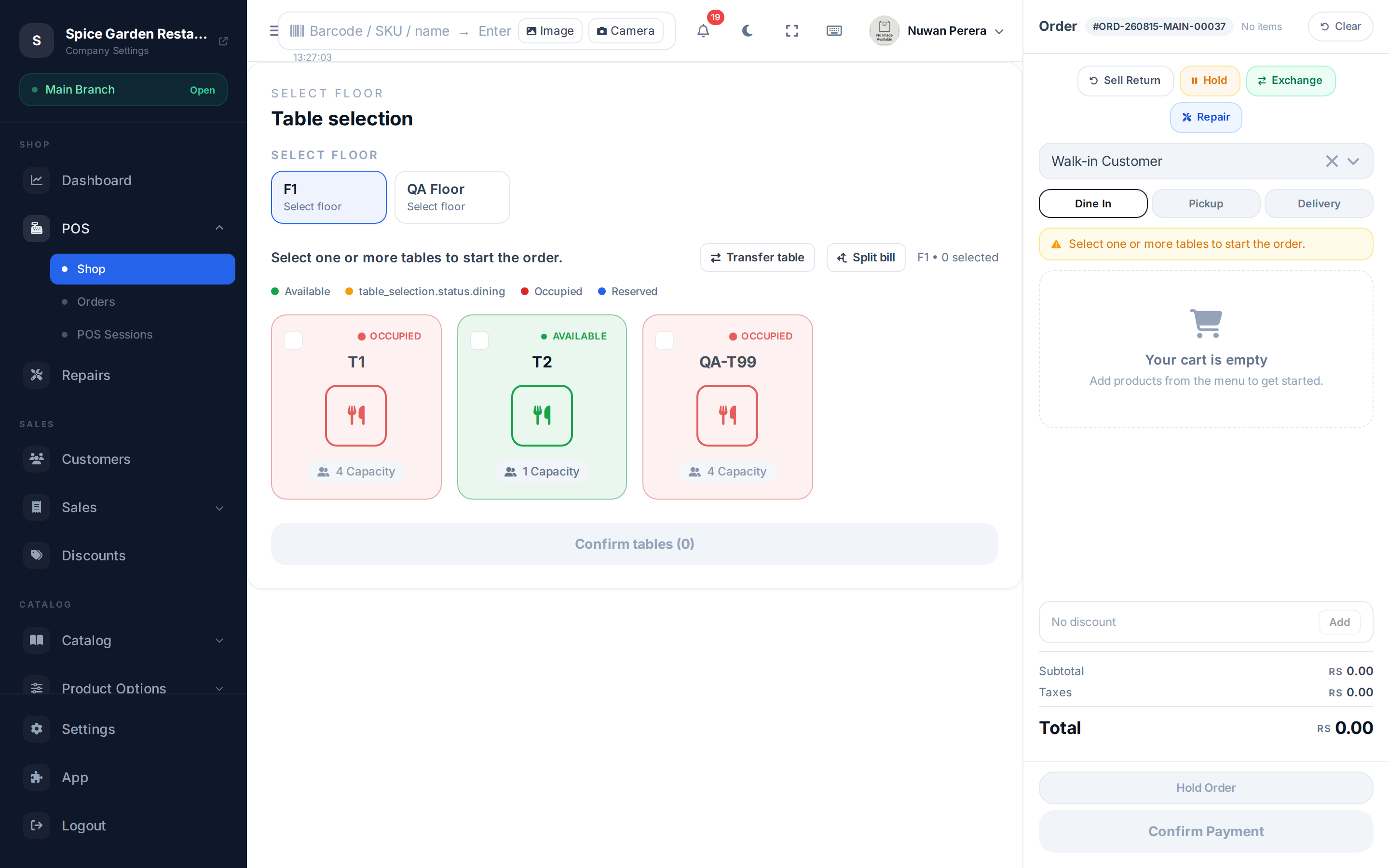
Screenshot pendingRoute / → Exchange mode → Trade-in Devices sheet open
Step by step
- Add the item(s) the customer is buying to the cart.
- Switch on Exchange mode (an emerald "Exchange" badge appears).
- Open Trade-in Devices and add a card for each device coming in. For each, enter the Device Model (required), and optionally the IMEI, Condition (Excellent → Damaged), Agreed Value and notes. Leave Add to inventory ticked to take the device into stock.
- The sheet totals the Trade-in Credit. Confirm it.
- Complete the exchange. If the trade-in fully covers the sale, no payment is collected; otherwise you take the balance due.
No cash payouts
A trade-in credit can't exceed the value of what's being sold — an exchange never pays cash out. Traded-in devices are received into stock when Add to inventory is ticked (subject to the exchange settings).
Exchange records are kept separately — browse and open them at Exchanges.