
Appearance
Accounting reports
Accounting reports are your financial statements: the formal view of profit, position and cash. They read straight from your double-entry ledger, so they always agree with your books. Find them in the Accounting, General and Receivables panels of the reports hub.
🔷 For managers & admins
These reports are for owners, admins and accountants. The `accountant` role is built around exactly this area.
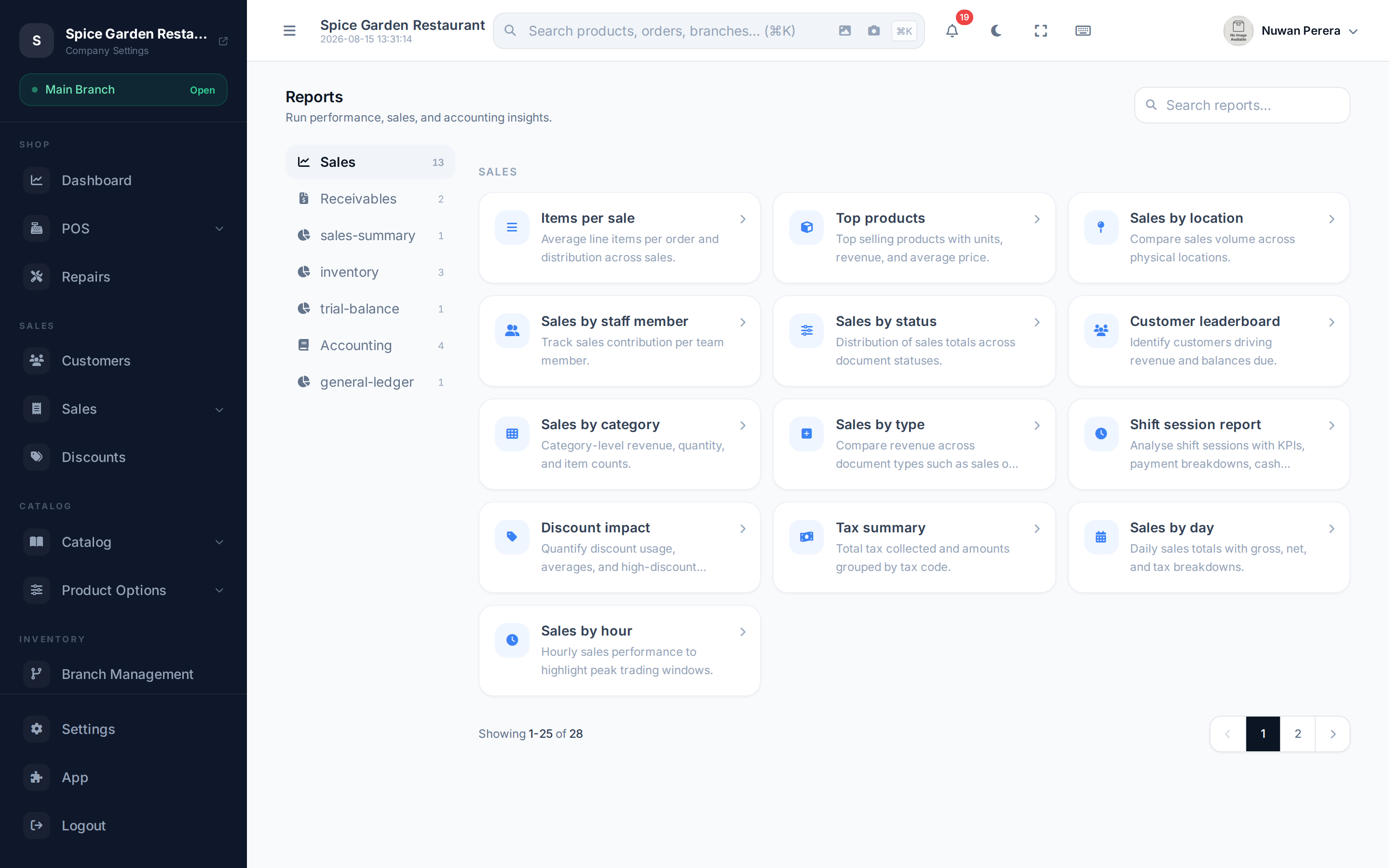
Screenshot pendingRoute /reports with the Accounting panel selected
The statements
| Report | What it shows | Filter |
|---|---|---|
| Profit & Loss | Revenue less expenses for a period | Start / end date |
| Comparative Profit & Loss | This period vs the prior period or year | Dates + "Compare to" |
| Balance Sheet | Assets, liabilities and equity at a point in time | As-of date |
| Cash Flow Statement | Cash movement (indirect method) | Date range / preset |
| Financial Ratios | Profitability, liquidity and leverage ratios | As-of date + P&L period |
| Trial Balance | Opening / movement / closing balance per account | Date range |
| General Ledger | Every posting, account by account | Dates, accounts, opening |
Receivables & payables aging
| Report | What it shows |
|---|---|
| AR Aging | What customers owe you, bucketed Current / 1–30 / 31–60 / 61–90 / 90+ days |
| AP Aging | What you owe suppliers, in the same buckets |
You'll find these under the Accounting and Receivables panels. Use them to chase overdue money and plan payments.
Drill down to the detail
Two of these reports let you dig in without leaving the page:
- In General Ledger, expand an account class and type, then select an account to open a side panel of its transactions.
- In an aging report, select a row to open the same detail panel for that customer or supplier.
Deep dives
Each statement has its own walkthrough — how it's built, common questions and tips — in the Accounting section:
Numbers look off?
Financial reports depend on your chart of accounts and fiscal periods being set up correctly. If a statement looks wrong, check those first.