
Appearance
Recipes & ingredients
A recipe (also called a bill of materials) lets one catalog item be made from others. When you sell it, its own stock isn't touched — instead, the ingredients it's built from are deducted from stock.
A burger is a bun + patty + cheese. A mixed juice is orange + mango + a cup. A gift kit is three products boxed together. In every case you sell one thing at the counter, but stock comes off the components.
This isn't a "restaurant mode" — it's a per-product setting, so it works just as well for a café, a pharmacy compounding a mix, or a workshop assembling a kit.
🟢 For everyone
You need permission to edit products (
catalog.products.update). If you can open a product and see its tabs, you can add a recipe. 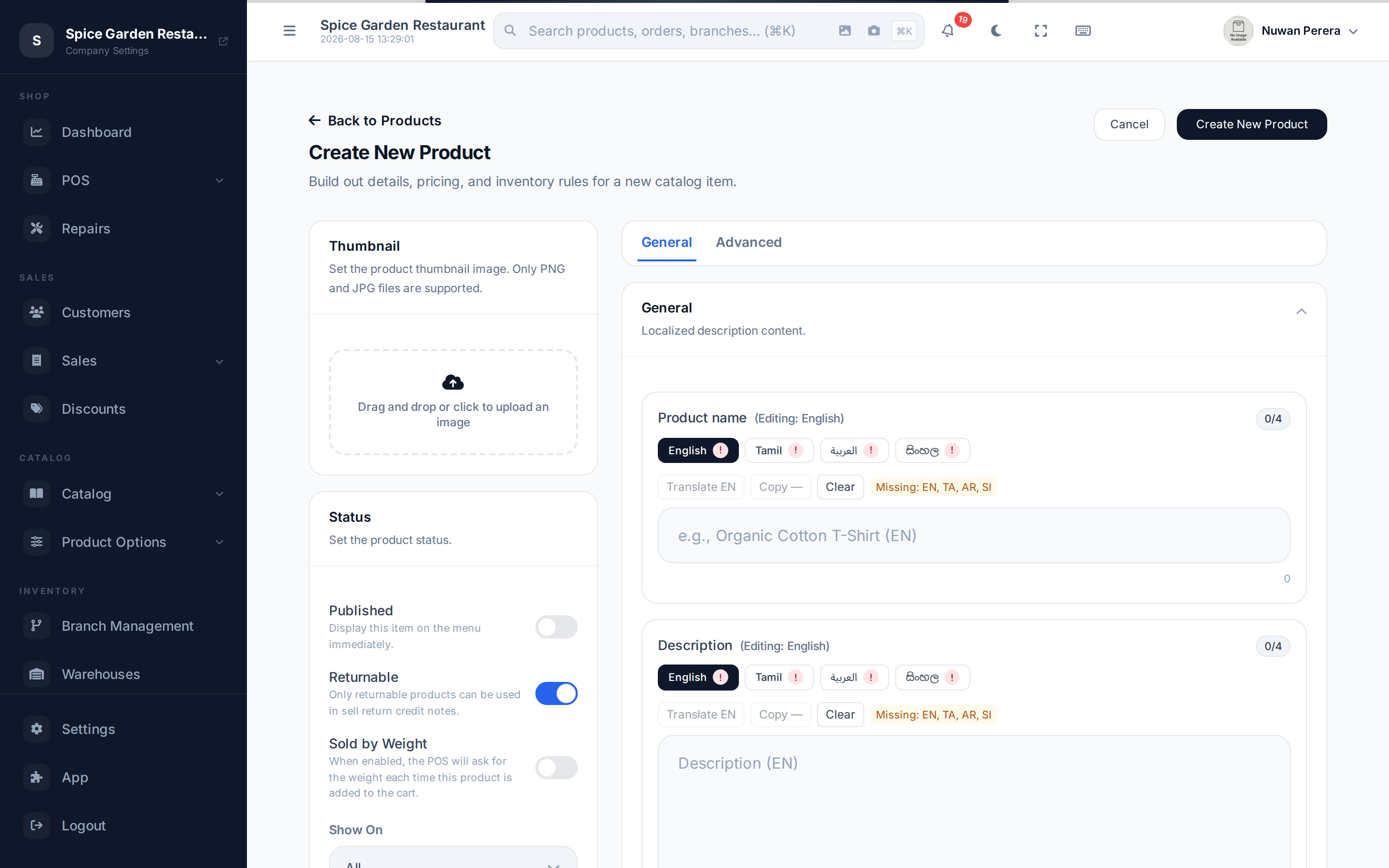
Screenshot pendingRoute /products/create, open the advanced panel showing the Recipe tab
When to use a recipe
| You sell… | Set up as | What moves in stock |
|---|---|---|
| A finished dish or drink | Product with a recipe | The ingredients |
| A fixed pack sold as one SKU | Product with a recipe | The component products |
| Several products rung up together at one price | A bundle | Each component's own stock |
Recipe vs bundle
A bundle is a selling shortcut — its components each keep their own price and stock and appear as separate lines. A recipe is a manufacturing idea — the finished item is what you price and sell, and the ingredients quietly come off stock behind it. Use a recipe when customers buy "a burger", not "a bun, a patty and cheese".
Step by step
- Open the product you want to build from ingredients (or create a new one). Recipes apply to simple products; for a variable product you set the recipe per variant instead.
- Open the Recipe panel in the product editor.
- Add each ingredient. Pick the component product (usually a raw material), then enter the quantity it uses — expressed in that ingredient's stock (base) unit.
- Set a wastage % if some of the ingredient is lost in preparation (peel, trim, spillage). The system inflates the deducted quantity by that percentage.
- Save. The product is now flagged as having a recipe, and its own stock count stops being tracked for sales — the ingredients carry the movement.
How a sale flows
The finished item's stock is skipped; each ingredient is reserved, then deducted, through the normal reserve → confirm sale lifecycle. Because the ingredient's purchase price rides on each stock movement, your cost of goods sold stays correct — a burger's cost is the sum of what its ingredients cost.
Good to know
- Quantities are in the ingredient's base unit. If cheese is stocked in grams, enter grams; if it's stocked as slices, enter slices.
- Wastage is optional. Leave it at 0 when there's no loss.
- Out-of-stock ingredients reduce how many finished items you can make — the finished item is only sellable while its ingredients last.
- Variable products carry recipes per variant, so a "Large" pizza can use more dough than a "Small".