
Appearance
Units of measure
A unit of measure is how you count a product: Piece, Box, Kilogram, Litre. Every stock-tracked product has a base unit — the unit its stock is counted in. Other units can be defined as conversions of a base unit, so you can buy in boxes and sell in pieces without doing the maths yourself.
🟢 For everyone
Managing units needs catalog permission (
catalog.units.create / update). 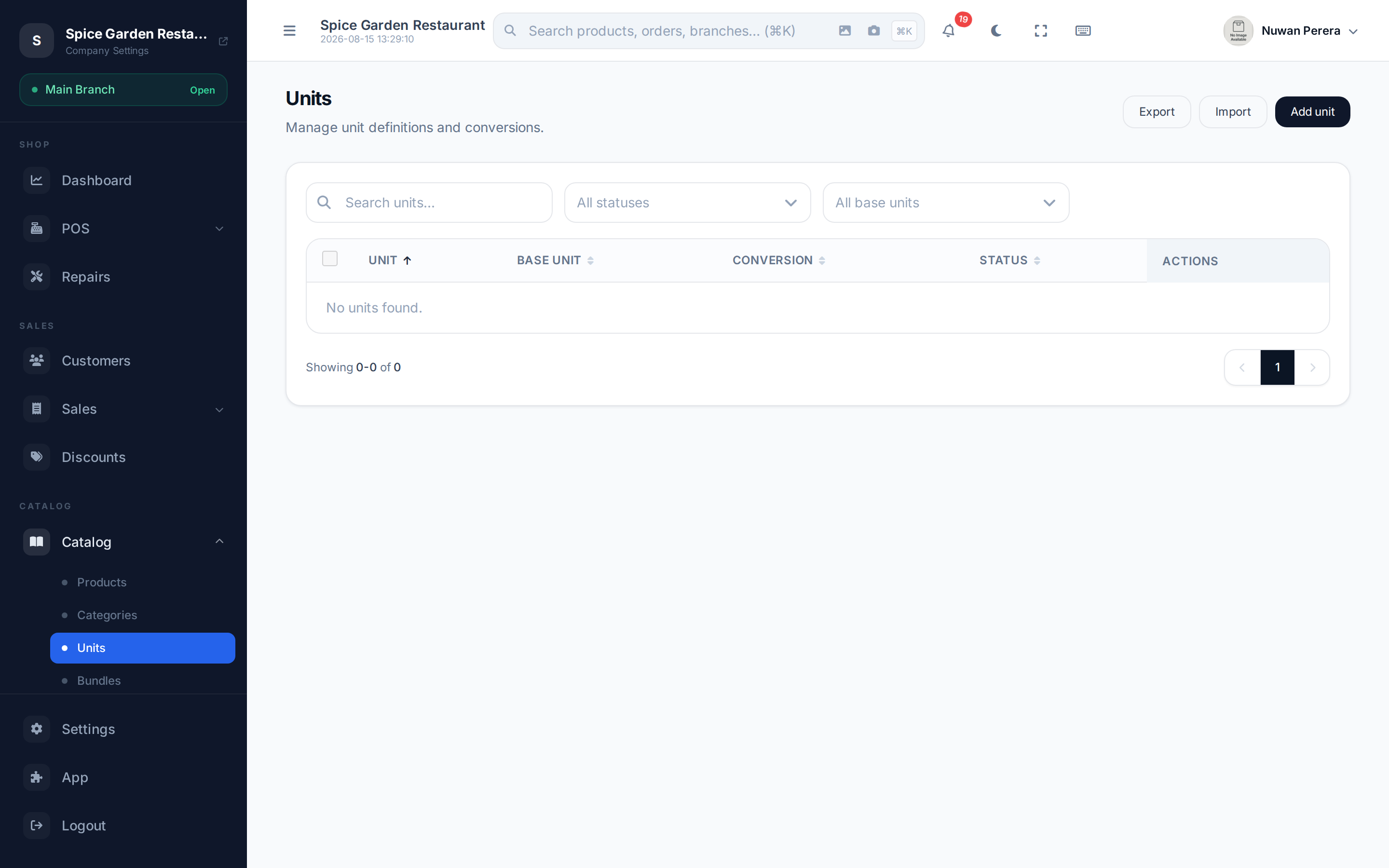
Screenshot pendingRoute /units, showing base units and their conversions
Base units and conversions
- A base unit has no parent — it's the smallest unit you count in (e.g. Piece).
- A derived unit points to a base unit and carries a conversion factor — how many base units equal one of it. A Box with factor 12 means one box = 12 pieces.
Step by step
- Go to Units and select New unit.
- Enter the Unit name (translatable) — e.g. Box.
- To make it a conversion, pick a Base unit and enter the Conversion factor (how many base units equal one of this unit). Leave the base unit blank to define a new base unit.
- Leave Enabled on to make it available in the catalog.
- Select Save.
Fields
| Field | Meaning |
|---|---|
| Unit name | Display name (translatable) |
| Base unit | The unit this one converts to — blank makes it a base unit |
| Conversion factor | How many base units equal one of this unit |
| Enabled | Whether it can be used in the catalog |
Importing units
Units can be loaded in bulk from a spreadsheet alongside the rest of your catalog — see Importing & exporting. The sheet carries the same four fields as the form (unit_name, base_unit_name, conversion_factor, enabled), and base_unit_name is matched against a unit name, so a base unit must already exist (or sit on an earlier row).
🔷 For managers & admins
Import units before any products that reference them. A product whose base unit cannot be matched by name is imported with no base unit rather than being rejected.
Using units on products
- A product's Base unit is chosen on the product form under Product Details.
- Unit conversions on the product let you sell the same item in multiple units, each with its own price and barcode (this needs the
catalog_pricingmodule). For example stock a drink in bottles but also sell a case at a set price.
Weight items
For items sold by weight (loose produce, meat), mark the product Sold by Weight and pick a weight unit (kg/g/lb) on the product form — that's separate from these countable units.