
Appearance
Specifications
Specifications (specs) are extra attributes you record against a product beyond price and stock — things like Material, Warranty period, Voltage, or Origin. You define each attribute once as a spec definition, then fill in its value on any product.
🟢 For everyone
Specs need the Product Attributes module (
catalog_attributes) to be on. Definitions are managed by an admin under Settings; values are filled in on the product. 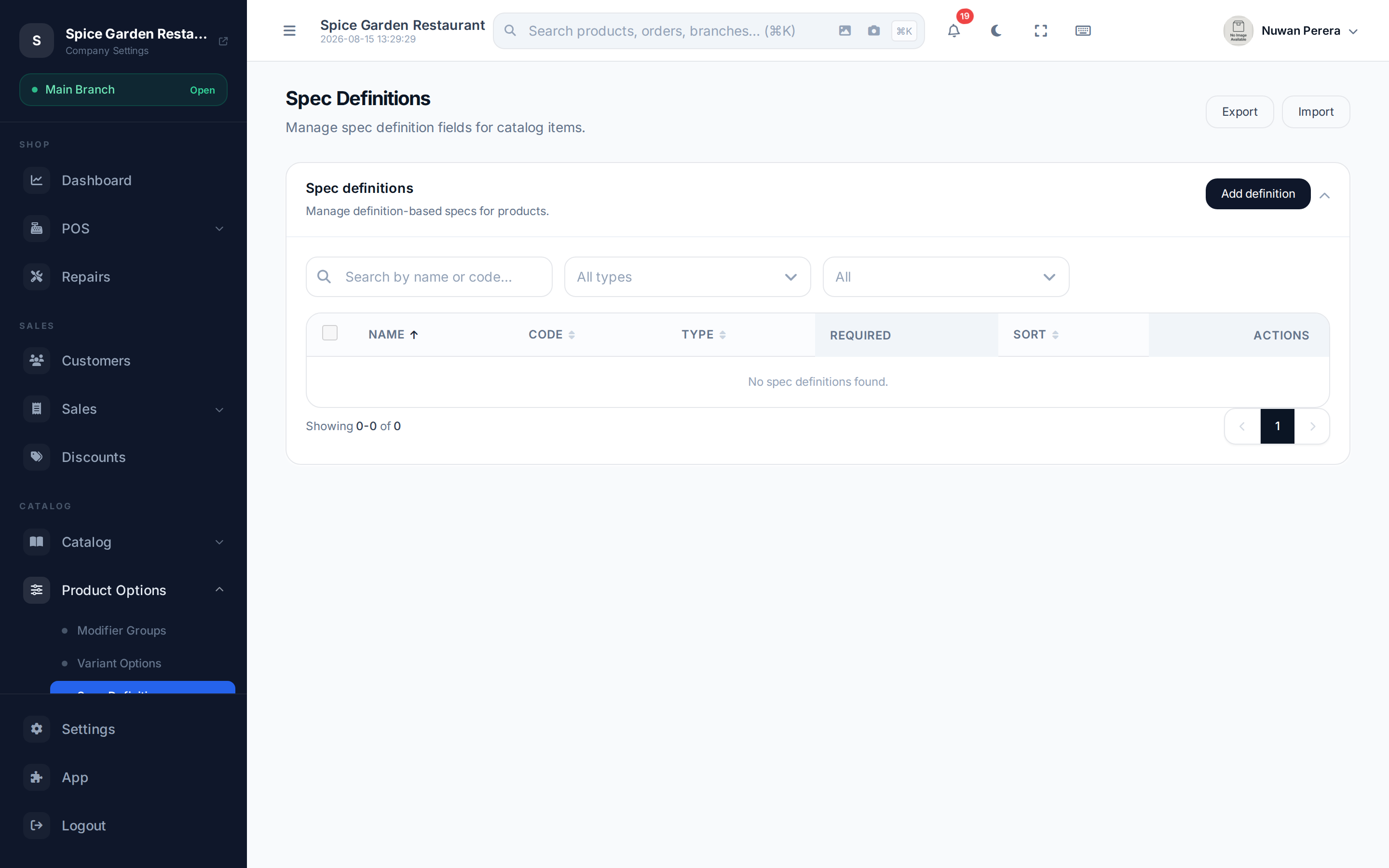
Screenshot pendingRoute /spec-definitions, a few definitions listed
Spec definitions vs product specs
- A spec definition is the attribute itself — its name, a code, a data type, and whether it's required. Set these up once; they're reused across products.
- A product spec is the value you enter for a definition on a particular product (e.g. Material = Cotton).
Data types
A definition has one data type, which decides how you enter its value:
| Type | Value looks like |
|---|---|
| Text | Free text |
| Number | A numeric value |
| Boolean | An on/off toggle |
| Date | A calendar date |
| Select | One or more values chosen from a list you define |
For a Select definition you also maintain its list of allowed values (the "Manage values" action on the definition row).
Step by step
Create a definition (admin, once)
- Go to Spec definitions (in Settings) and select Add definition.
- Enter a Name and Code, choose the data type, and set whether it's Required and its sort order.
- For a Select type, save it, then use Manage values to add the options.
Fill in specs on a product
- Open a product and go to the Advanced tab → Product specs.
- Choose which spec definitions apply to this product.
- Enter each value (type text, pick a date, toggle a boolean, or select from the list).
- Save the product — the values are stored against it.
INFO
Spec values can be entered before the product is saved; they persist once you save the product.
On the mobile app
The product form has a Specifications section with the same definitions and value types, including selecting several values for one specification. Values save with the product, as they do on the web.
The section only appears when your business has the specifications module turned on and at least one definition to fill in — see Modules.