
Appearance
Product variants
Some products come in variations: a T-shirt in S/M/L and three colours, a phone in two storage sizes. Instead of creating a separate product for each, you create one variable product and give it variants — one per combination — each with its own SKU, barcode, price, cost and stock.
🟢 For everyone
Variants need the Product Variations module (
catalog_variations) to be switched on, plus product-edit permission. Managing variants uses catalog.product-variants.*. 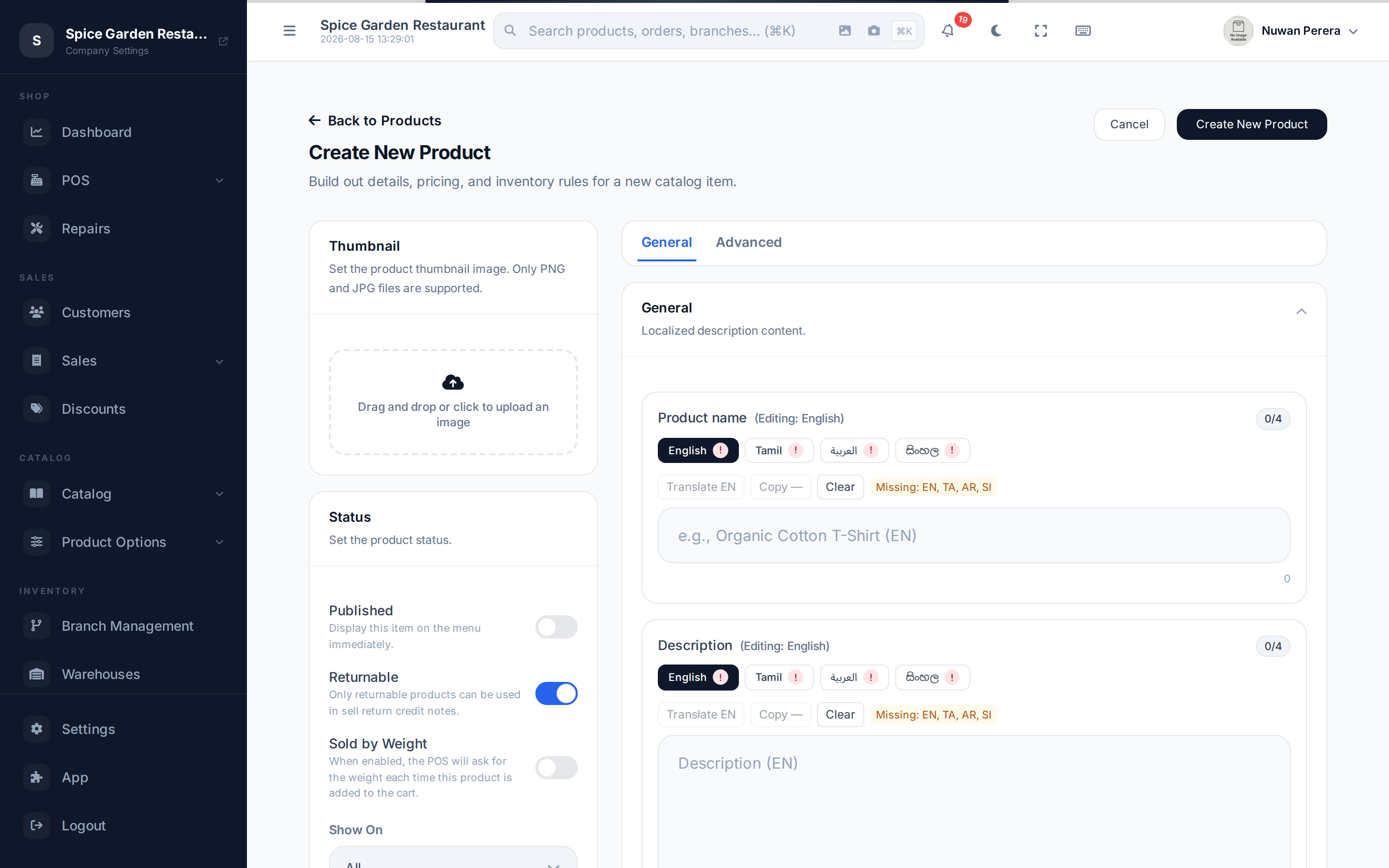
Screenshot pendingRoute /products/create with Variable product selected, Advanced tab
How it works
You build variants in two steps: configure which option groups and values apply, then generate a variant for every combination.
The option groups themselves (Size, Colour…) are set up once and reused — see Variant options.
Step by step
- Create a product and choose Variable product as the template, then Save it. (Variant configuration is enabled only after the product exists.)
- Open the Advanced tab. Under Variant configuration, choose your Variant option groups (e.g. Size and Colour).
- For each group, pick the allowed values (e.g. S, M, L for Size). The panel shows the estimated combinations.
- Select Save Variant Config, then Generate Variants — one variant is created per combination.
- Each generated variant appears in the Variants table. Open one to set its SKU, Barcode, Price, Cost, per-warehouse stock, and its option values.
Add a single variant by hand
You don't have to generate the full grid. Use Add variant to create one variant and pick its option values yourself.
Per-variant settings
Each variant is edited in its own modal:
| Field | Notes |
|---|---|
| SKU / Barcode | Unique per variant |
| Price / Cost | Overrides the parent product's price |
| Base unit | The unit this variant is stocked in |
| Enabled | Show this variant as available |
| Track inventory | Track stock per warehouse for this variant |
| Allow selling when out of stock | Let it sell past zero |
| Tax rates | Leave blank to inherit the parent's taxes |
| Modifier groups | Leave blank to inherit the parent's modifiers |
| Warehouse stock | On hand / available / reorder levels, per warehouse |
| Variant image | Optional, per variant |
A variant can even have its own recipe — useful when a "Large" size consumes more ingredients than a "Small".
At the register
When a cashier adds a variable product, the POS asks them to pick the exact variant (size, colour) before it goes in the cart. See Variants, weight & modifiers.