
Appearance
Modifier groups
Modifier groups let the cashier customise an item as they add it: extra cheese, no onions, choose a sauce, pick a size of drink. Each group is a set of options, some of which can add to the price. Attach a group to any product and it prompts at the till.
🟢 For everyone
Modifiers need the Modifiers module (
catalog_modifiers) to be on, plus catalog permission (catalog.modifier-groups.create / update). 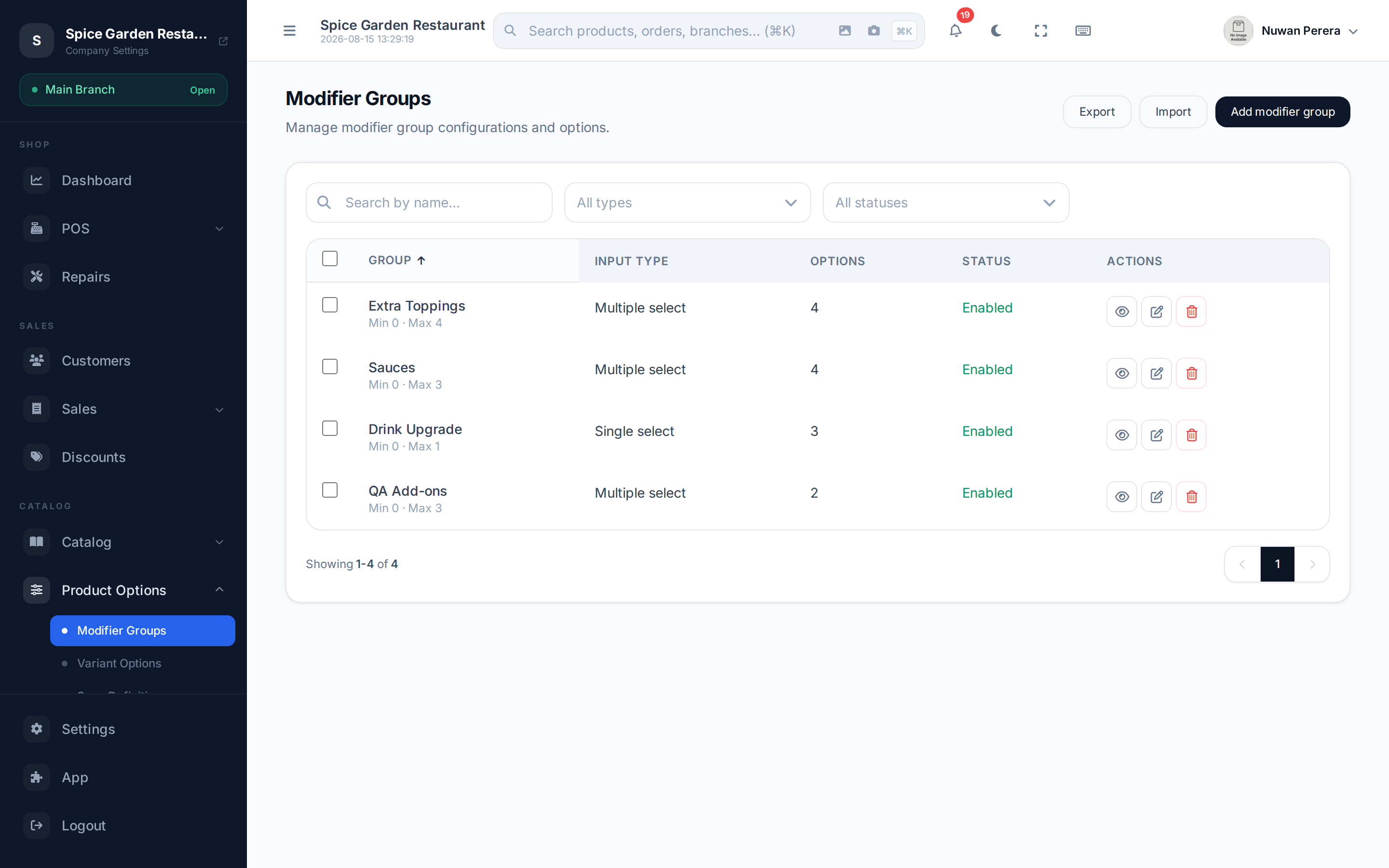
Screenshot pendingRoute /modifier-groups, a group or two listed
How a group works
A group has rules (how many options the cashier must/may pick) and a list of options (each with a name, a price add-on, and on/off state).
| Input type | Behaviour |
|---|---|
| Single select | Pick exactly one option (e.g. choose a sauce) |
| Multiple select | Pick several (e.g. toppings) |
| Counter | Choose a quantity of each option |
Minimum and Maximum choices control how many options are required and allowed — leave the maximum blank for unlimited.
Step by step
- Go to Modifier groups and select New group.
- Enter the Group name (translatable) — e.g. Toppings — and optionally a Group image.
- Choose the Input type (single / multiple / counter) and set Minimum and Maximum choices.
- Under Group options, Add option for each choice: an Option name, its Price add-on (0 for free), and its Enabled state. Options can have their own image.
- Leave the group Enabled and select Save.
Attaching to products
Attach modifier groups on the product form: under Product Details, pick one or more Modifier groups. A variant can override or inherit the parent product's groups. When that product is added at the register, the group's choices appear before it goes in the cart. See Variants, weight & modifiers.
Price add-ons
An option's Price is added on top of the product's price when chosen — so Extra cheese (+1.00) raises the line total by 1.00.