
Appearance
Variant options
Variant option groups are the reusable building blocks behind variants. A group like Size holds values S, M, L; a group like Colour holds Red, Blue, Black. Define them once here, then any variable product can pick which groups and values apply and generate its variants from them.
🟢 For everyone
Variant options need the Product Variations module (
catalog_variations) to be on. Managing groups uses catalog.variant-option-groups.*. 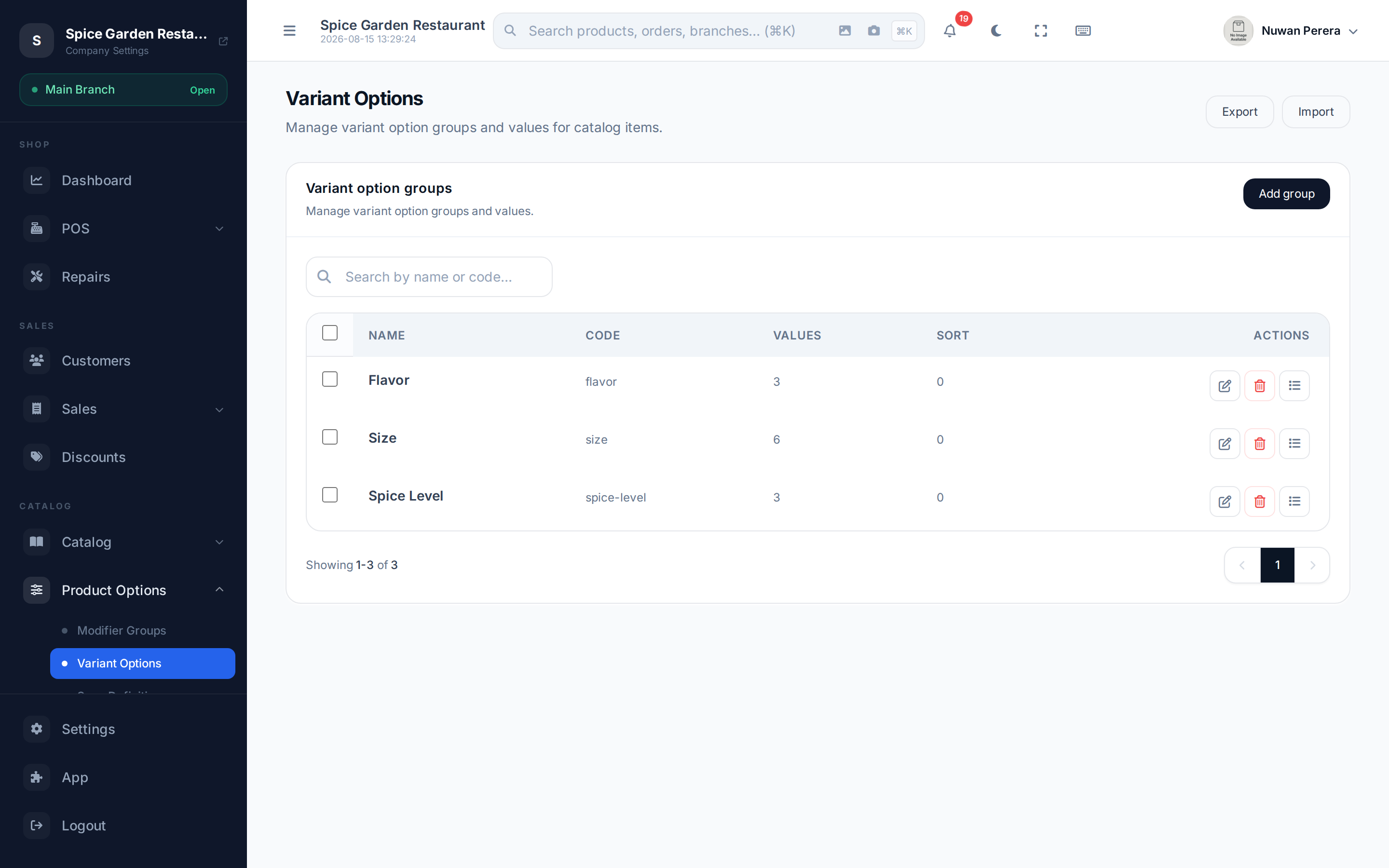
Screenshot pendingRoute /variant-options, a couple of groups listed
Groups and values
- A group is the attribute — Size, Colour, Storage. It has a name, a code and a sort order.
- Its values are the choices within it — S / M / L, Red / Blue. You manage a group's values from the "Manage values" action on its row.
Step by step
- Go to Variant options and select Add group.
- Enter the group Name (translatable) — e.g. Colour — a short Code (e.g.
color), and a Sort order. - Save, then use the Manage values action on the group to add its values (e.g. Red, Blue, Black).
Using them on a product
Groups and values are only definitions — they don't do anything until a variable product uses them. On a variable product's Advanced → Variant configuration tab you pick the groups and the allowed values, then generate variants. See Product variants.
Reuse over duplication
Define Size and Colour once and reuse them across every product that needs them, rather than re-typing the values each time. That keeps reports and filters consistent.