
Appearance
Serials & IMEI
Some products are tracked one unit at a time by a unique code — a serial number on an appliance, an IMEI on a phone. Serial tracking follows each individual unit through its whole life: received, in stock, sold (to which customer, on which sale), returned, or flagged defective — and holds its warranty expiry too.
🔷 For managers & admins
Part of the Inventory Pro module (
inventory_pro). Viewing needs inventory_pro.serials.read; registering serials needs inventory_pro.serials.create. Common for mobile, electronics and appliance shops. 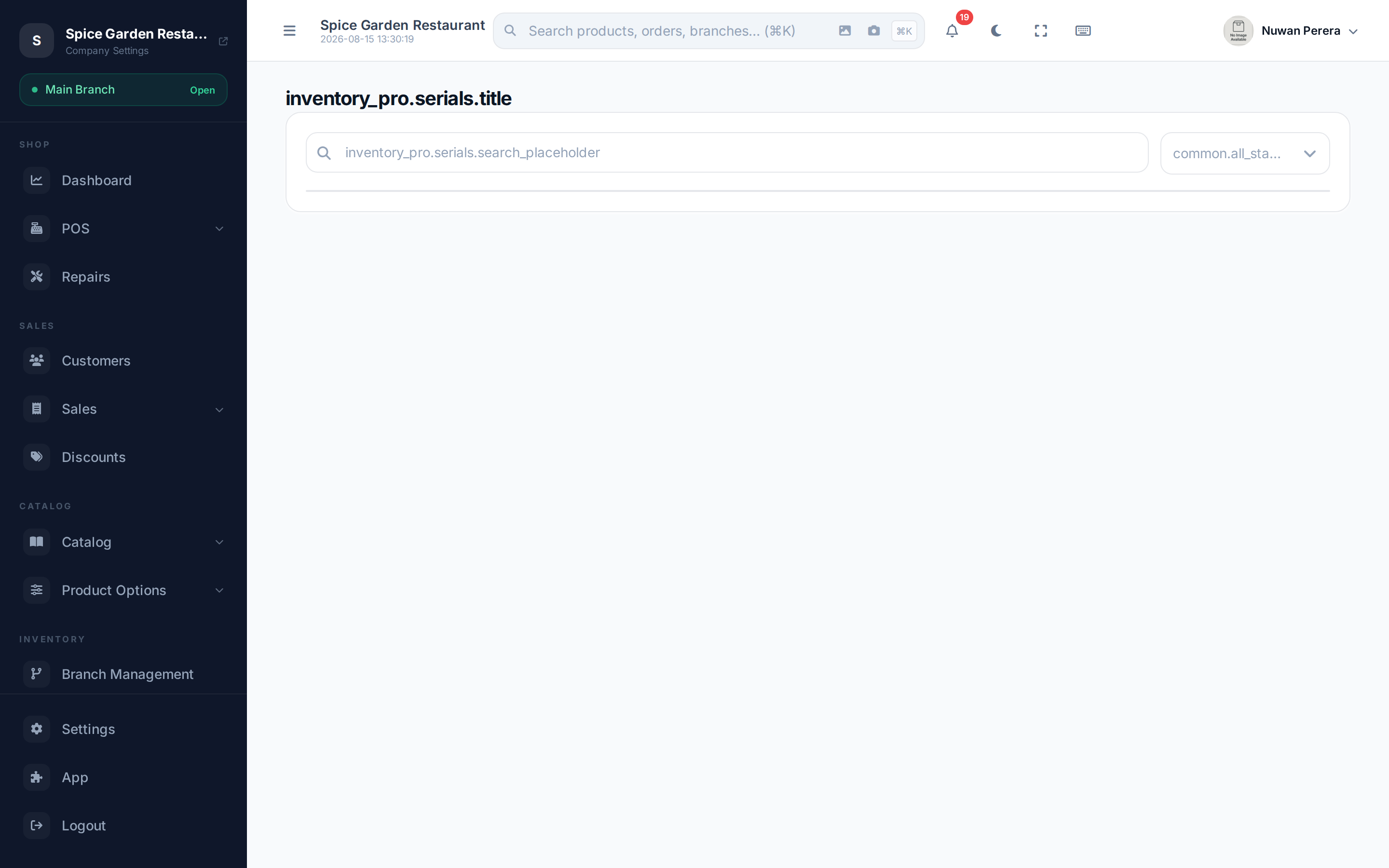
Screenshot pendingRoute /inventory-pro/serials
Registering serials
Serials are usually captured when you receive stock, but you can register a batch by hand:
- Go to Serials and select Register.
- Choose the Product and the Location it's stored at.
- Enter the serial numbers — one per line (paste a whole list at once).
- Optionally set the Cost price and Purchase date.
- Select Save.
What the statuses mean
| Status | Meaning |
|---|---|
| Available | In stock, ready to sell |
| Sold | Sold on a document — records the sale date and warranty expiry |
| Returned | Came back from a customer; available again |
| Defective | Flagged faulty and held out of sale |
The list shows each unit's serial number, product, location, purchase date, sale date and status. Search by serial number or filter by status to find a specific unit fast — useful for warranty and repair lookups.
Selling and returning a serialed item
At the register, when you sell a serial-tracked product you pick (or scan) the specific unit, and its serial is stamped onto the sale. That unit becomes Sold and its warranty clock starts. A return or exchange puts the same serial back to Available, so your on-hand list always reflects the exact units you hold.
- The serial must be at the warehouse the sale ships from. Otherwise the sale is refused with "Serial number 'X' is not at the selling warehouse."
- When serials are picked automatically, only serials at that warehouse are used.
- When a held order is completed, its serials are marked Sold too.
Mobile workflow
The mobile More → Inventory Pro workspace supports serial and IMEI search and warranty lookup. The result shows the matched product, warranty expiry and days remaining. Serial registration remains on the web workflow.