
Appearance
Working offline
The register keeps working when your internet drops mid-shift. Sales you take while offline are saved on the device and sent to the server automatically as soon as the connection returns — so a flaky network never stops the queue at the counter.
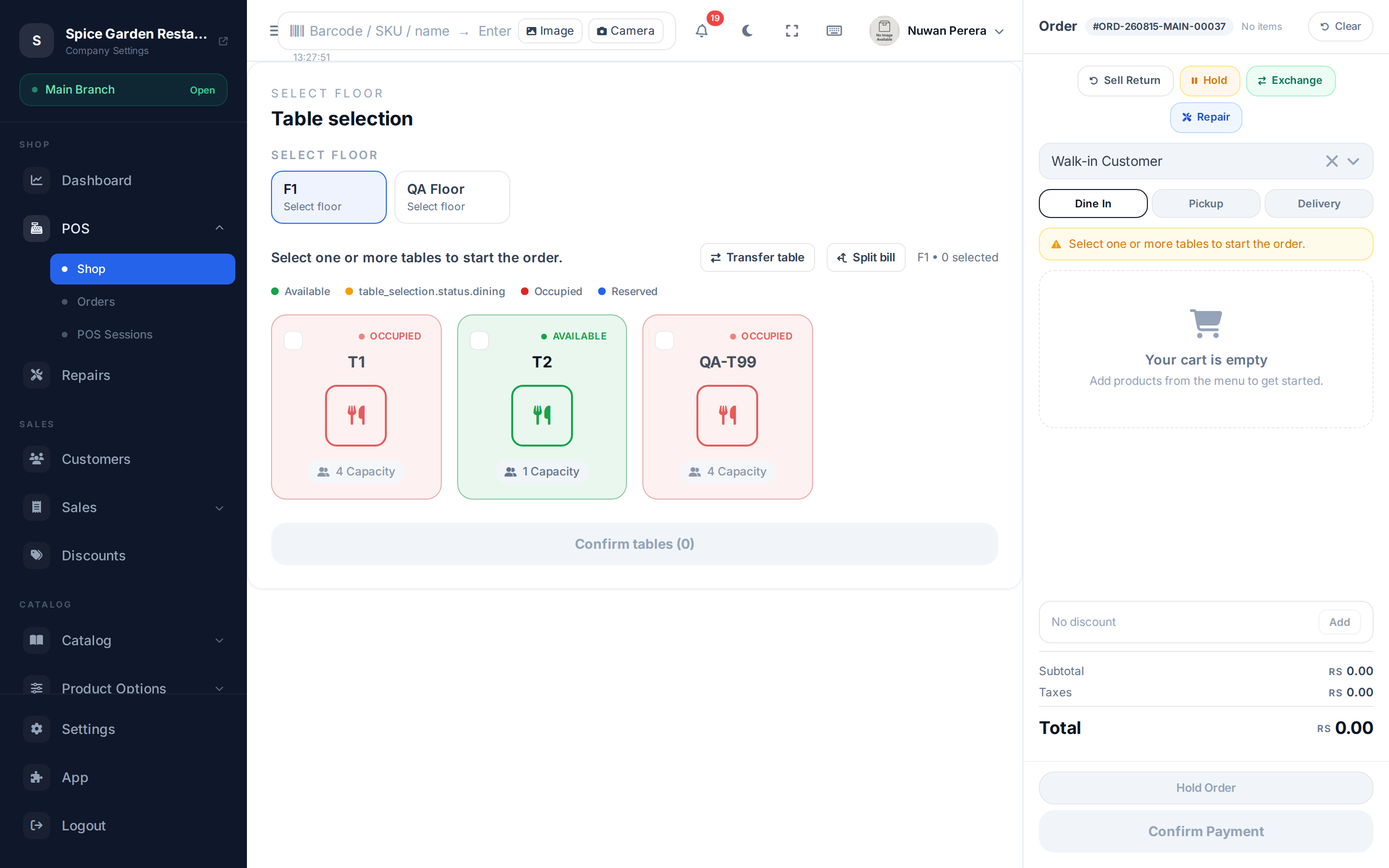
Screenshot pendingRoute / with the network throttled to offline and 1–2 saved drafts
What works — and what doesn't
| Works offline | Needs internet |
|---|---|
| Ringing up and completing sales | Opening or closing a shift |
| Browsing the product catalogue (from a cached copy) | Creating a new customer |
| Cart totals, tax and discount maths | Server-validated coupon codes |
| Viewing orders you saved while offline | Signing in / refreshing your session |
Because opening and closing a shift both need the internet, always open your shift while you're online. Once it's open, you can keep selling through an outage.
How it works at the counter
- The network drops. A banner appears across the top of the register showing you're offline and how many orders are queued.
- Keep selling normally. Add items, apply payment, and finish the sale. Each completed sale is saved to the device instead of the server.
- Watch the draft queue. Saved orders appear in a list with a status — queued, syncing, synced or failed. You can load one back into the cart or discard it.
- Reconnect. When the internet returns, the queue syncs on its own, oldest first. The banner shows the progress and confirms when everything is synced.
Reconnect within 15 hours
There's a 15-hour limit from your first offline order. If you come back online within that window, everything syncs automatically. Go past it and the register locks with a full-screen "Reconnection Required" message until you restore the connection — your queued orders are still safe, they just can't sync until you're back online.
The draft queue
Each saved order shows the time, item count and total, plus a status:
| Status | Meaning | What you can do |
|---|---|---|
| Queued | Waiting to sync | Load to cart, discard |
| Syncing | Being sent now | Wait (spinner shown) |
| Synced | Confirmed by the server | Nothing — it leaves the queue |
| Failed | The server rejected it | Retry, load to cart to fix, or discard |
A failed order is usually something the server couldn't accept — for example a product that was deleted, or a price that drifted too far. Load it back into the cart, adjust it, and complete it again.
Won't the same sale be sent twice?
No. Every offline order carries a unique key generated when you save it. If a sync is retried after a wobbly connection, the server recognises the key and returns the order it already created instead of making a duplicate.