
Appearance
Managing orders
The Orders list is the full history of what's been sold — every order from the register, with its customer, total and status. From here you can open an order, edit one that's still in progress, or track where it is.
🟢 For everyone
Viewing orders needs the View Orders permission (
sales.orders.read). You'll only see orders for the branches you're assigned to. 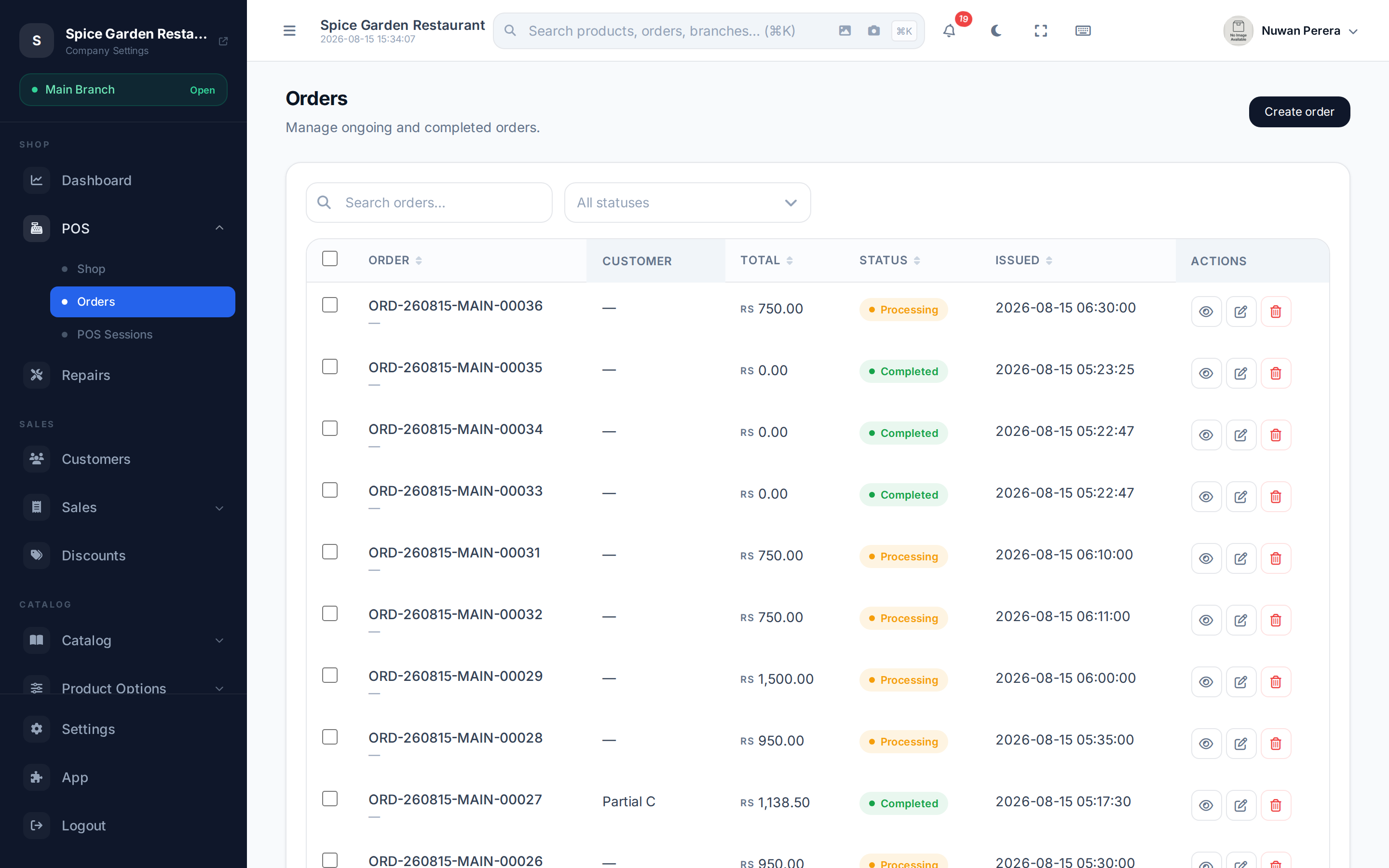
Screenshot pendingRoute /orders with several orders
The orders list
| Column | Meaning |
|---|---|
| Order | The document / order number |
| Customer | Who it was sold to |
| Total | Order value |
| Status | Where the order is (see below) |
| Issued | When it was placed |
Sort by order number, total, status or date, and narrow the list with the filters. Each row offers View, Edit and Delete (subject to your permissions).
Order statuses
An order moves through a pipeline. The register shows a simplified progress of Placed → In progress → Ready → Completed, while the underlying statuses are:
| Status | Meaning |
|---|---|
| Draft / On hold | Started but not finalised |
| Processing | Being worked / partially paid |
| Completed / Paid | Finished and settled |
| Cancelled / Void | Reversed — no longer counts |
Forgotten drafts and held orders expire
A draft or held order keeps its items reserved, so they can't be sold to someone else. An order left in Draft or On hold with no changes for 14 days is cancelled automatically, which frees the reserved stock. It stays in the list as Cancelled, with the change recorded in its history. Your service provider can change this period or turn the rule off.
Editing and deleting
You can edit an order that's still open, and delete ones that haven't been locked. Orders that have been reported for tax (ZATCA) are locked — you can't edit or delete them; issue a credit note instead.
Don't delete completed sales
To reverse a finished sale, use a refund or exchange — never delete it, so your inventory and books stay correct.