
Appearance
Opening a shift
A shift is one register run by one person. You open it at the start of your time on the till and close it when you're done. Until a shift is open, the register won't let you sell — if you go to the sell screen without one, it sends you here first.
🟢 For everyone
You need the Open Shift permission and at least one branch assigned to you. If you don't see any branch to pick, ask your manager to assign one.
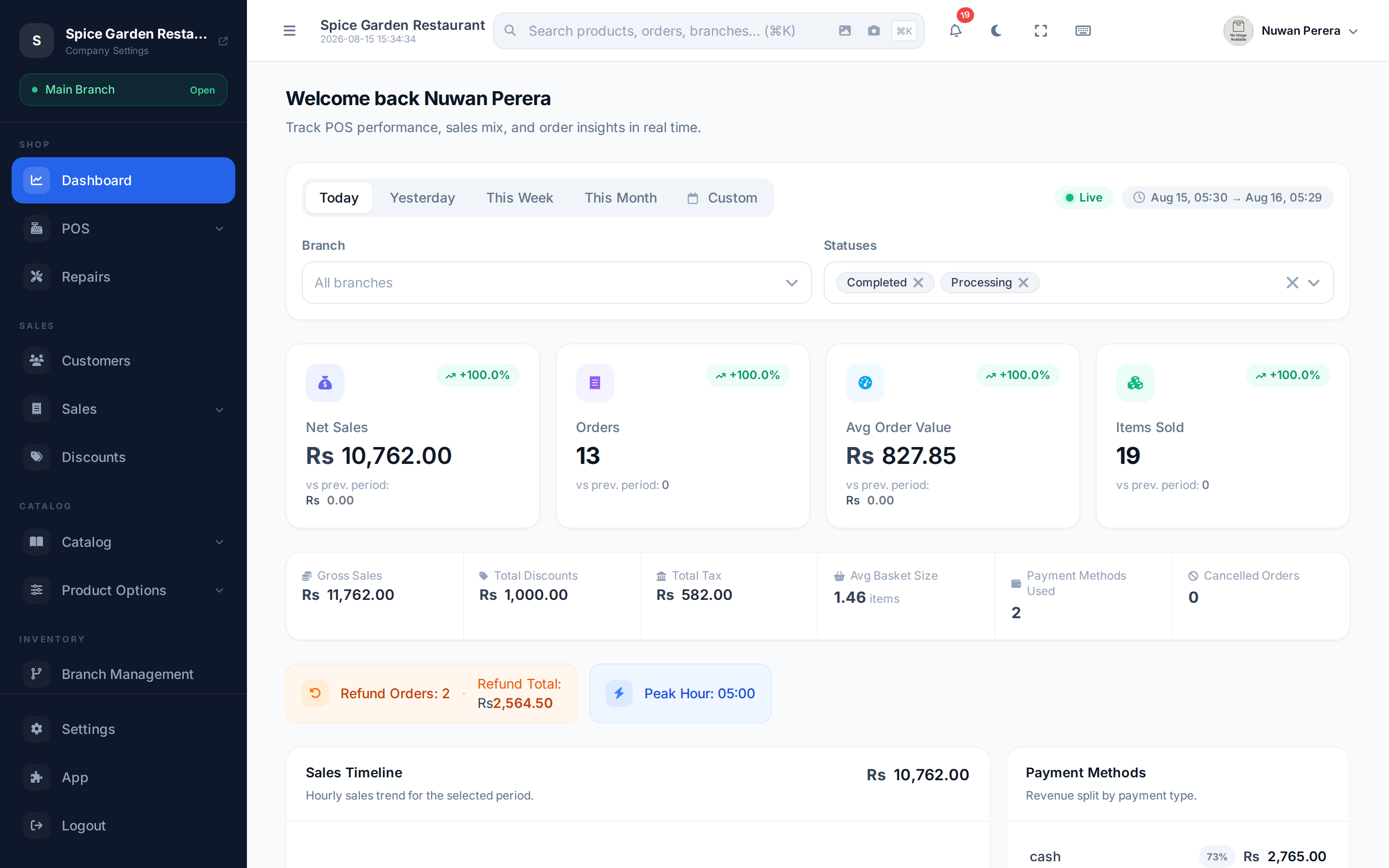
Screenshot pendingRoute /shift/open with no shift currently open
Step by step
- Go to Open Shift (the register sends you here automatically if no shift is open).
- Choose your branch. The list only shows branches you're assigned to, and it picks the first one for you. A note confirms which warehouse stock will be deducted from.
- Enter your opening cash — the money already in the drawer (the "float"). Leave it blank for zero.
- Select Start Shift. The register opens and you can begin selling.
When a shift is required
If the branch's POS configuration has Require open shift to sell on, a sale without an open shift is refused with "Open a shift before selling at this branch." People who manage the POS configuration can still sell without one, and sales taken offline sync normally. You can only have one open shift at a time.
Why the opening cash matters
The opening cash is your starting point. When you close the shift, the system compares the cash it expects (opening cash + cash sales) against what you actually count in the drawer. An accurate float now means an accurate over/short figure later.
No POS configuration?
If the branch has no POS configuration, you'll see a warning that stock deduction may not work correctly, with a link to set it up. Ask an admin to configure the branch's warehouse before selling. See Branch POS configuration.
Open while you're online
Opening (and closing) a shift needs an internet connection. Open your shift before you start, and you can keep selling through a network outage — see Working offline.