
Appearance
Platform announcements
Every so often a coloured banner appears across the top of ZeylonPOS — a planned maintenance window, a billing notice, or word of a new feature. These are platform announcements, sent by the ZeylonPOS team, not something you write.
🟢 For everyone
Anyone signed in sees announcements meant for your business. There's nothing to set up — they just appear.
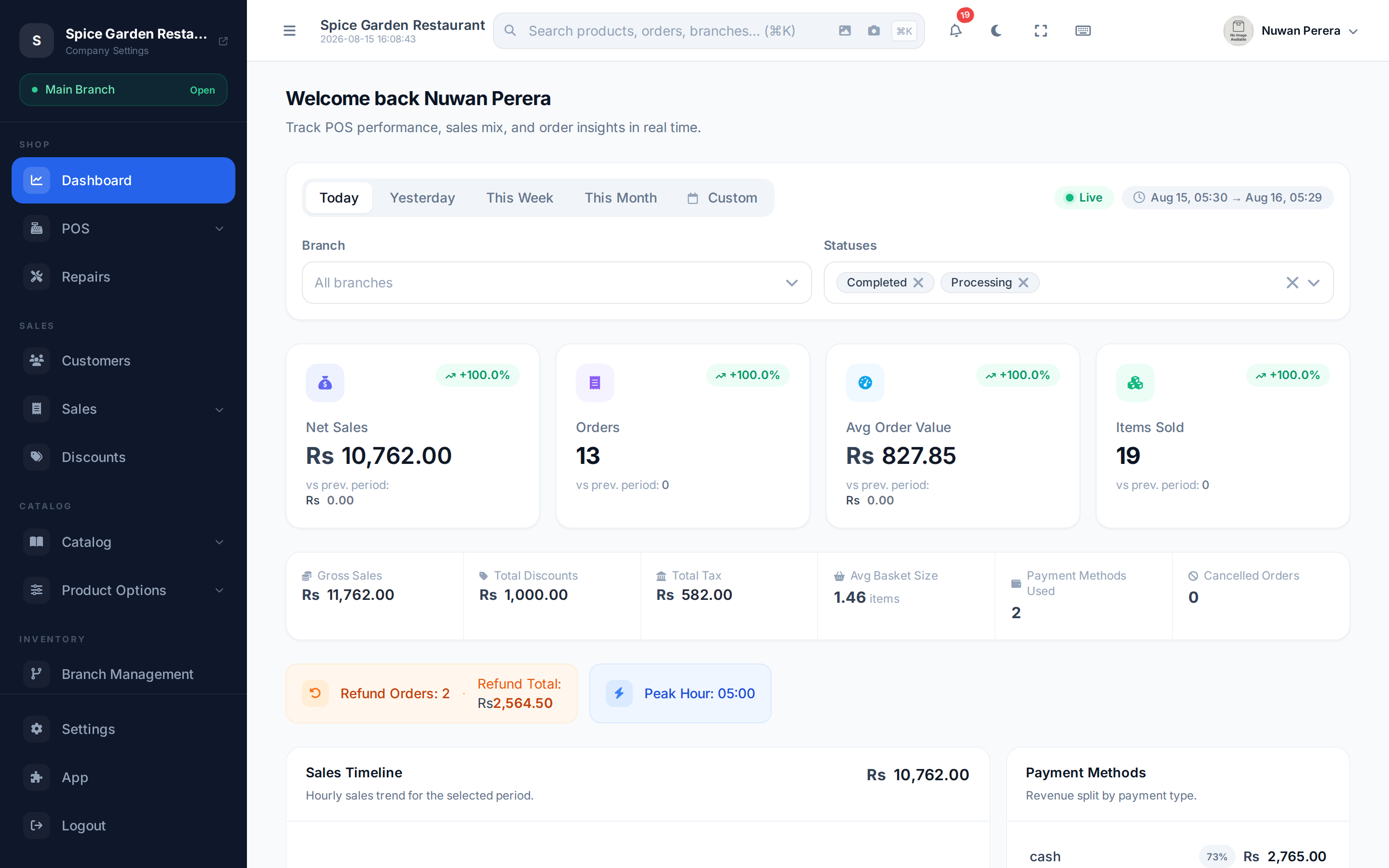
Screenshot pendingAny authenticated route with an active announcement banner
What you'll see
A banner shows a title, a short message, and a colour that hints at the kind of notice:
| Type | Colour | Typically used for |
|---|---|---|
| Info | Blue | General news and reminders |
| Warning | Orange | Something to act on soon |
| Maintenance | Purple | Scheduled downtime or upgrades |
| Billing | Green | Subscription and payment notices |
| Update | Emerald | New features and improvements |
Dismissing one
Select the ✕ on a banner to hide it. It stays hidden on that device, so it won't nag you again after you've read it. Other banners remain until you dismiss them too.
On the mobile app
Announcements appear in the mobile app too, across the top of every screen — the same notices, targeted the same way. The one exception is the checkout screen: a banner is never shown while you're taking payment, so nothing can shift under your finger between taps.
Dismissing works the same way, with one difference worth knowing on a shared device: on the mobile app a dismissal is remembered for your sign-in, not for the device. If a colleague signs in on the same phone afterwards, they still see the notice. The app re-checks for new announcements whenever you bring it back to the foreground, so a notice posted during the day arrives without restarting.
Where they come from
Announcements are created by the ZeylonPOS platform team and targeted at tenants — you can't create or edit them from inside your company. Related, but different: your own Notifications are the per-event alerts ZeylonPOS raises for your activity (a low-stock warning, a completed import).