
Appearance
Currencies
Set up the currencies your business uses — your base currency plus any others — along with how each one is formatted and rounded.
🔷 For managers & admins
Managing currencies needs
settings.currencies.read to view and settings.currencies.create / settings.currencies.update to add or edit. 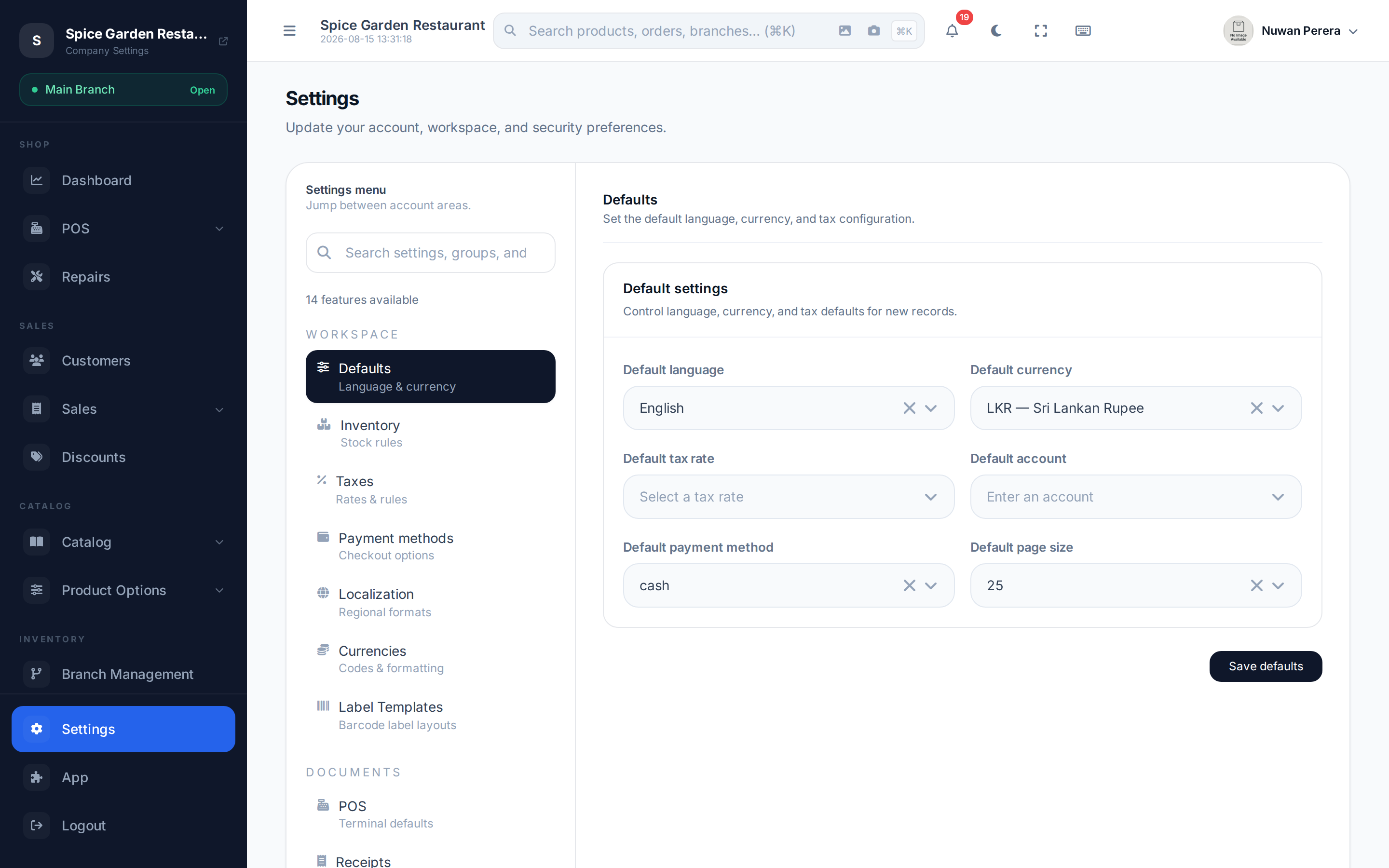
Screenshot pendingRoute /settings, Currencies tab selected
Adding a currency
- Open Settings → Currencies.
- Select Add and pick the currency code (e.g.
USD,LKR,SAR). - Set the name, symbol and exchange rate relative to your base currency.
- Choose the formatting — symbol position, decimal precision, decimal mark and thousands separator.
- Optionally turn on cash rounding and pick the precision and method.
- Mark it the default if this is your base currency, and set it enabled.
- Select Save.
Fields
| Field | What it does |
|---|---|
| Name | Display name (e.g. "US Dollar") |
| Code | ISO code, picked from a searchable list |
| Symbol | Currency symbol ($, Rs, ﷼) |
| Rate | Exchange rate against your base/default currency |
| Precision | Number of decimal places |
| Symbol position | Symbol before or after the amount |
| Decimal mark | Character used for the decimal point |
| Thousands separator | Character grouping thousands |
| Set as default | Marks this as your base currency |
| Enabled | Whether it can be selected on documents |
Cash rounding
Turn on cash rounding when your smallest coin can't represent every price — for example rounding cash totals to the nearest 0.05.
| Setting | Options |
|---|---|
| Rounding precision | 0.05, 0.10, 0.25, 1.00 |
| Rounding method | Nearest, up, or down |
INFO
Your default currency is the one all other rates are measured against and the one your accounts are kept in. Choose it carefully — see also the default currency in General settings → Defaults.
Documents in another currency
The rate is how many units of this currency equal one unit of your default currency. For example, with SAR as the default and USD at 0.25, 1 SAR = 0.25 USD, so a 10 USD invoice is worth 40 SAR.
When a sale or invoice is in a currency other than your default, the accounting entry is converted to your default currency at the currency's current rate. The journal entry's description notes the rate used (for example "USD at 0.25 per base unit"). Cost of goods is always recorded in your default currency.
Keep rates current, and set one before you sell
If a document's currency has no rate, its accounting entry can't be posted and you'll see an error asking you to set the rate. Rates aren't fetched automatically, so update them in Settings → Currencies as they change.
ZATCA (Saudi Arabia)
E-invoices reported to ZATCA must be in SAR. A document in another currency is not submitted, and its ZATCA status shows why.