
Appearance
Notifications
ZeylonPOS keeps you posted with notifications — alerts that arrive in real time as things happen in your business. They collect in the notifications centre and in the bell menu at the top of every screen.
🟢 For everyone
Everyone gets notifications relevant to their role. There's nothing to switch on.
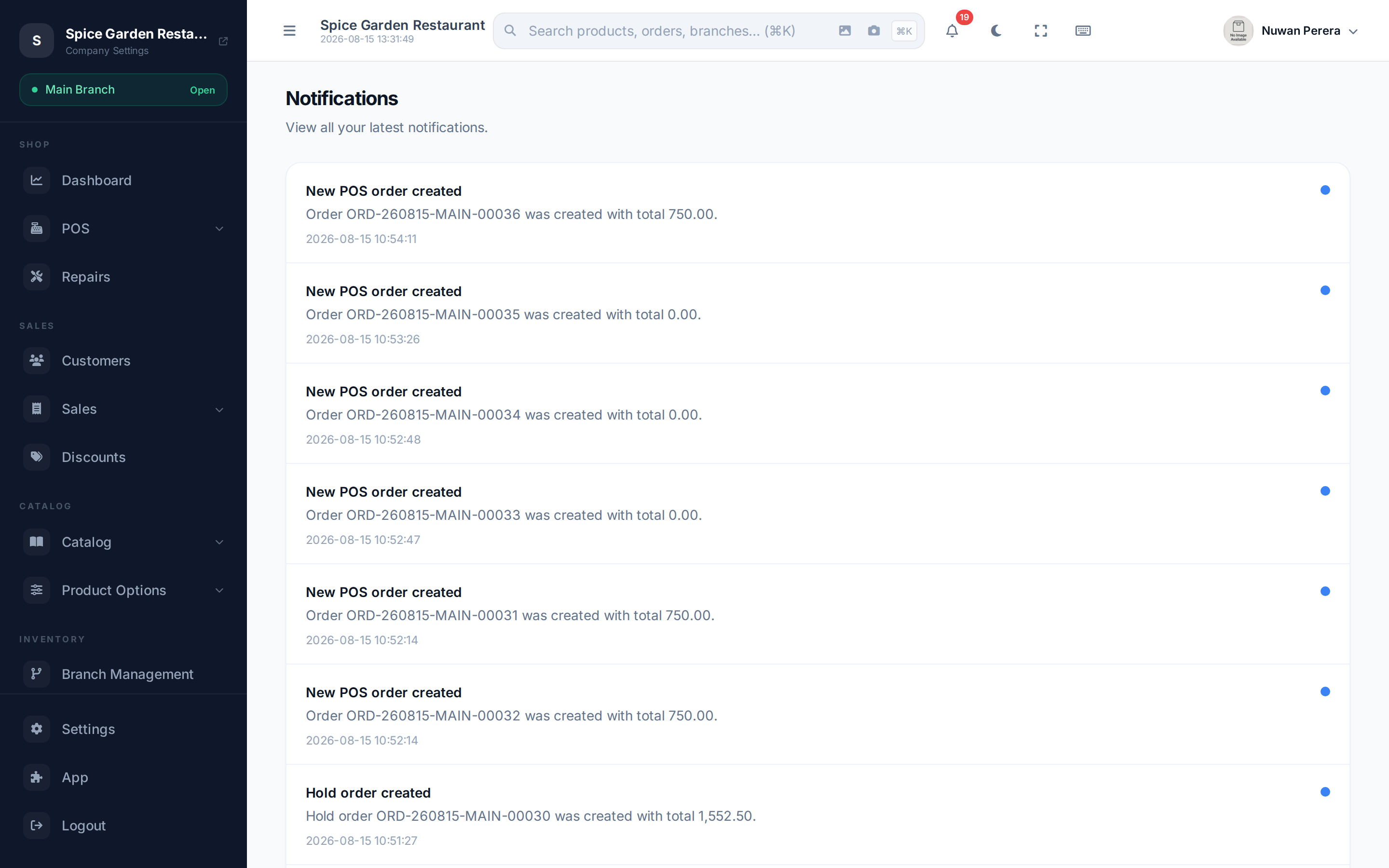
Screenshot pendingRoute /notifications, logged in
The notifications centre
Open Notifications (/notifications) for the full list. Each entry shows a title, a message and when it arrived (in your timezone). Unread items carry a blue dot. The list loads more as you scroll.
- Select a notification to open it. If it's unread it's marked read, and if it links to something (an order, a document) you're taken straight there.
The bell menu
The bell in the top bar shows a count of unread notifications and a quick dropdown of the latest ones. From there you can Mark all as read to clear the count in one go.
Real-time updates
Notifications are live — you don't need to refresh. When something happens, a new notification appears immediately (with a subtle sound) and the unread count ticks up.
INFO
Real-time delivery relies on a live connection. If you're working offline or lose connectivity, notifications catch up the next time you're online.