
Appearance
Document numbering
Every document ZeylonPOS creates gets an automatic reference number — a receipt number, an invoice number, a credit-note number and so on. Each document type has its own tab in Settings where you set the format and the next number in the sequence.
🔷 For managers & admins
These tabs need the
settings.pos.read permission to view and settings.pos.update to change. 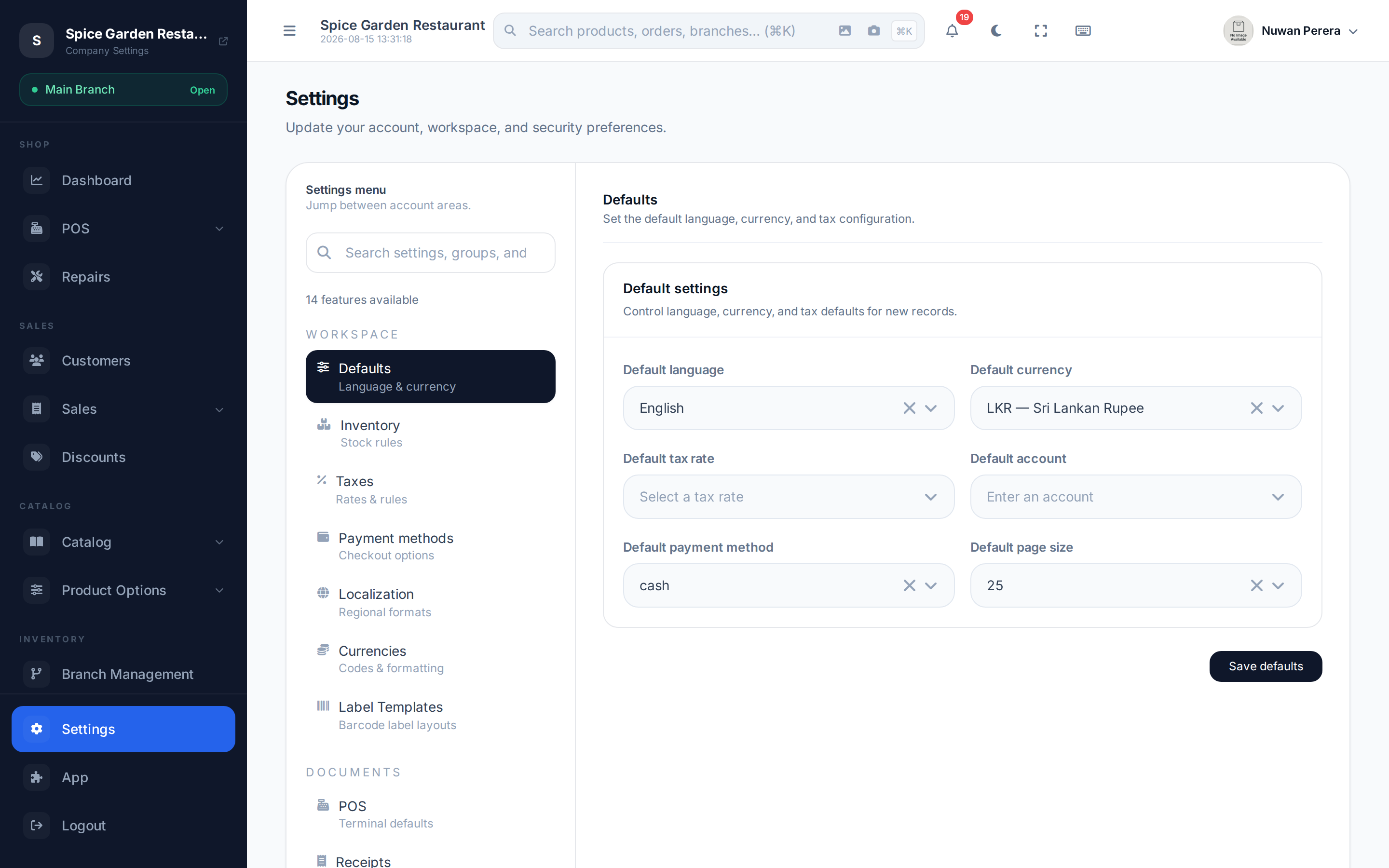
Screenshot pendingRoute /settings, POS tab (or a numbering tab) selected
How a number is built
A reference number is put together from a few parts:
[prefix][optional date][zero-padded sequence number]For example, a prefix of INV-, 5 digits and next number 42 produces INV-00042.
| Field | What it does |
|---|---|
| Prefix | Text placed in front — e.g. INV-, RCP-, CN- |
| Digits | How many digits the number is padded to (5 → 00042) |
| Next number | The next value in the sequence; it increments after each document |
| Include date | Adds the date into the reference (where available) |
| Serial preview | A read-only preview of the resulting number |
Which tab controls what
| Tab | Document | Notes |
|---|---|---|
| POS | Sales receipts / orders at the register | Also has include shift location code and other POS options — see below |
| Sales invoices | Back-office sales invoices | Prefix, digits, next number, include date |
| Debit notes | Debit notes | Same numbering fields |
| Credit notes | Credit notes (returns) | Numbering plus return receipt messaging |
| Exchanges | Exchange documents | Numbering plus trade-in inventory behaviour |
| Purchases | Purchase orders | Prefix, digits, next number |
- Open Settings and pick the tab for the document type you want.
- Set the prefix, digits and next number.
- Toggle Include date if you want the date in the reference.
- Check the serial preview, then select Save.
WARNING
Lowering the next number below numbers you've already issued can create duplicate references. Only move it forward, or leave a gap on purpose.
POS numbering extras
The POS tab carries a few register-specific options beyond numbering:
- Include date and include shift location code in the receipt number.
- Require an open shift to log out — stops staff leaving with a shift open.
- Default customer for walk-in sales.
- Maximum manual discount (%) — the largest order discount a cashier can give by hand. Leave it blank for no limit. Coupons don't count toward it, and staff with the Override Discount Limit permission can go higher. See Discounts at the register.
- Invoice footer text.
- Payment account mapping — which accounting account cash, card and bank payments post to.