
Appearance
Support tickets
Need help from the ZeylonPOS team? Raise a support ticket and track its progress and replies in one place.
🔷 For managers & admins
Viewing tickets needs
support.tickets.read; creating tickets and replying need support.tickets.create. 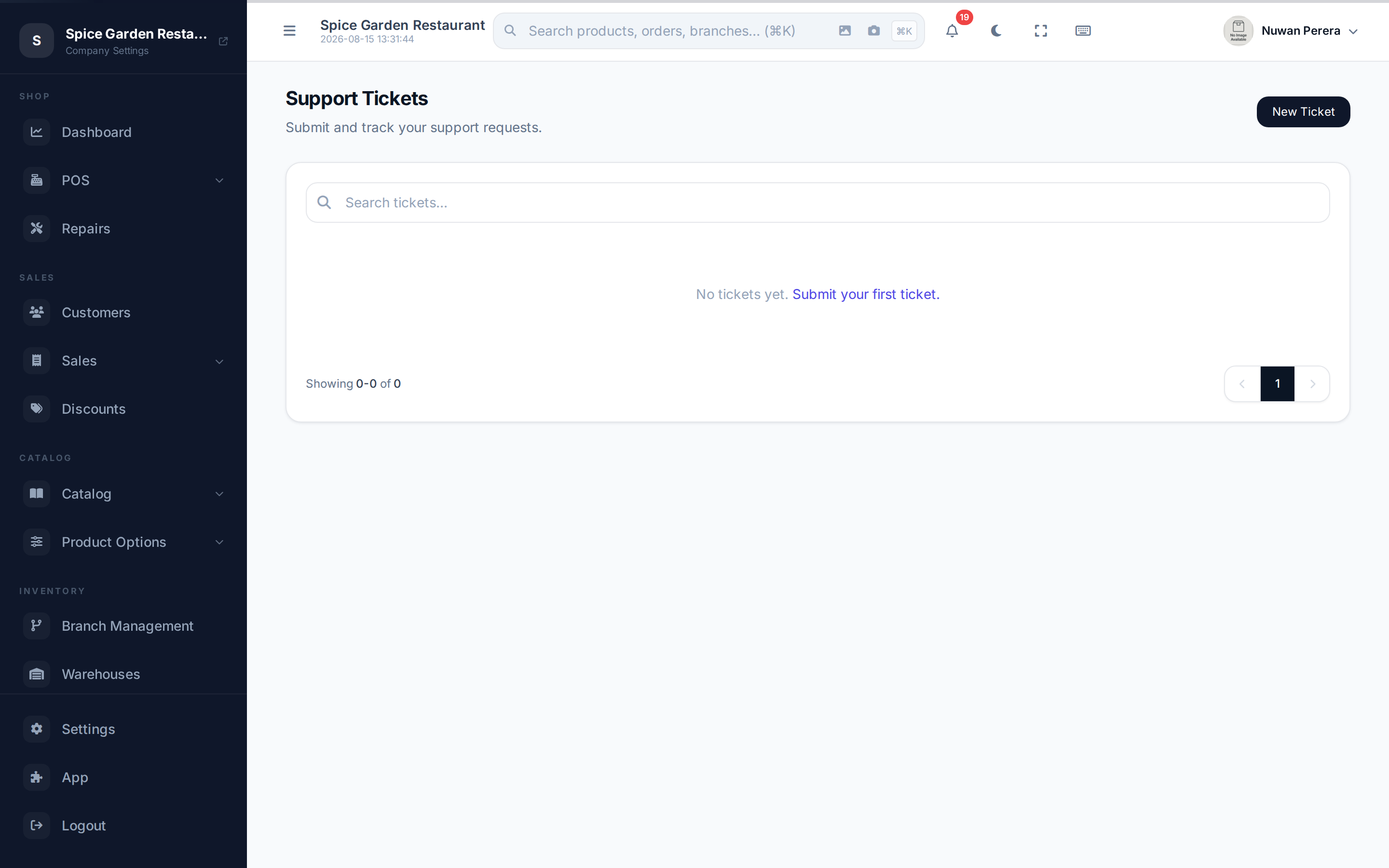
Screenshot pendingRoute /support/tickets, logged in as an admin
Raising a ticket
- Go to Support tickets (
/support/tickets) and select New Ticket. - Enter a clear subject and a description of the problem.
- Choose a category — Billing, Technical Issue, Feature Request, Account or Other.
- Set a priority — Low, Medium, High or Urgent.
- Select Submit Ticket.
You're taken to the ticket, where a ticket number is assigned so you can refer to it later.
Tracking and replying
Open any ticket to see its full conversation. Your messages are labelled You; the team's replies are labelled Support.
- Type in the reply box and select Send Reply to continue the conversation.
- Once a ticket is Resolved or Closed, the reply box is hidden and no further replies can be added.
Statuses and priorities
| Status | Meaning |
|---|---|
| Open | Submitted, awaiting first response |
| In Progress | Being worked on |
| Waiting | Waiting on you or a third party |
| Resolved | A fix or answer has been given |
| Closed | Finished — no more replies |
Priorities are Low, Medium, High and Urgent — pick the one that matches the impact so urgent issues surface first.